English
-37-
Digital Zoom This decides whether or not to use digital zoom at the time of
shooting. Refer to the section “Using the Zoom Function”
for further details.
Quick View Set to display a photographed image on LCD monitor screen
immediately after you have taken the shot.
Mode3 settings
Item Functional Description
Color Sets the color of the image that will be captured.
Full Color
Black & White
Sepia
Sharpness Sets the level of image sharpness.
High
Medium
Low
Saturation To capture an image, you can select from three different
degrees of color to match with your preference.
Your images will demonstrate different impression by
selecting different degrees of color. This is called Saturation”.
High
Medium
Low
Date print The date of recording can be printed directly on the still
images. This function must be activated before the image is
captured. The date appears on the right bottom of the
captured picture. When images are shot with date imprint
feature, the date cannot be removed later.
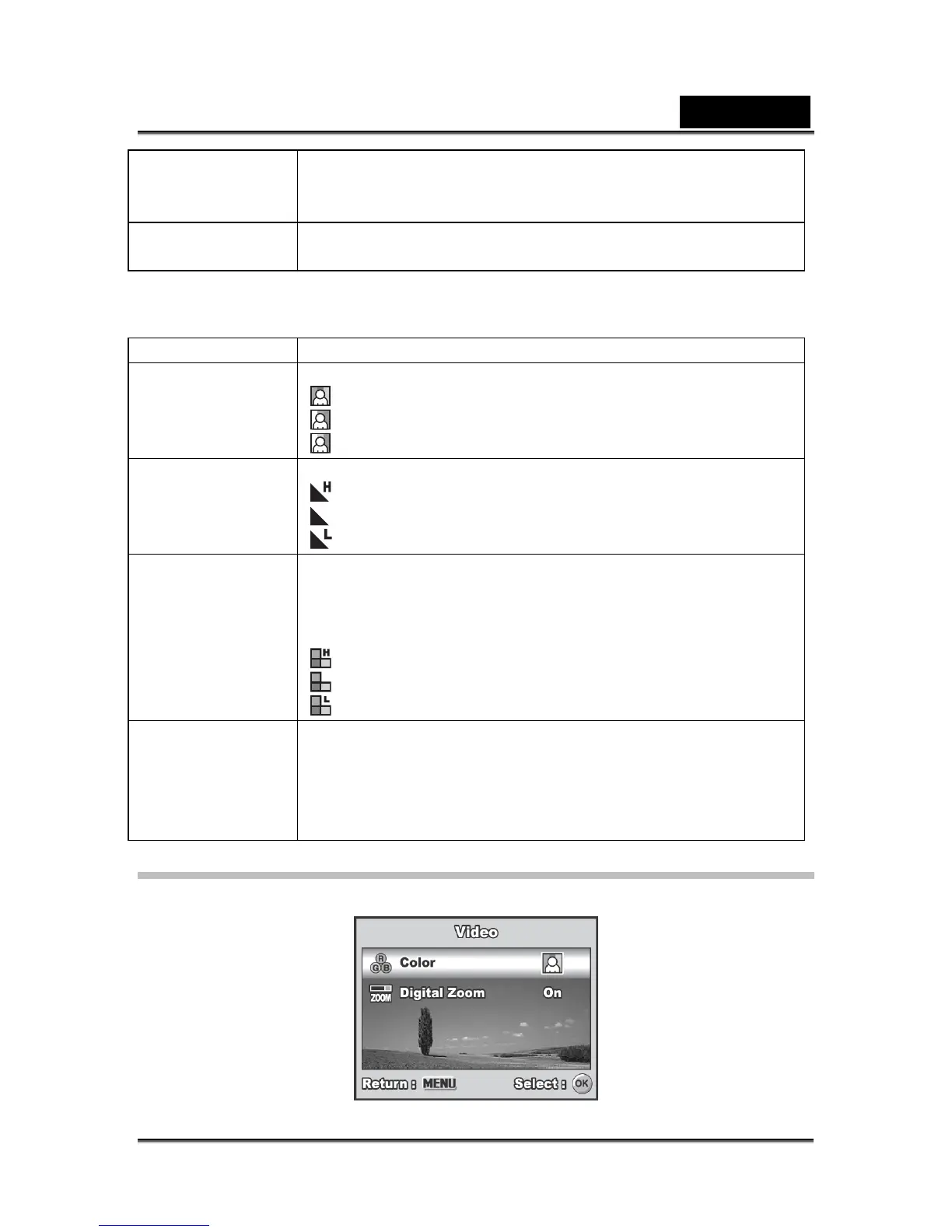
Movie Menu
This menu is for the basic settings to be used when recording movie clips.



 To Next Page