English
-36-
Quality
Sets the quality (compression rate) at which the image is
captured.
Refer to the section "Setting Image Resolution and
Quality" for further details.
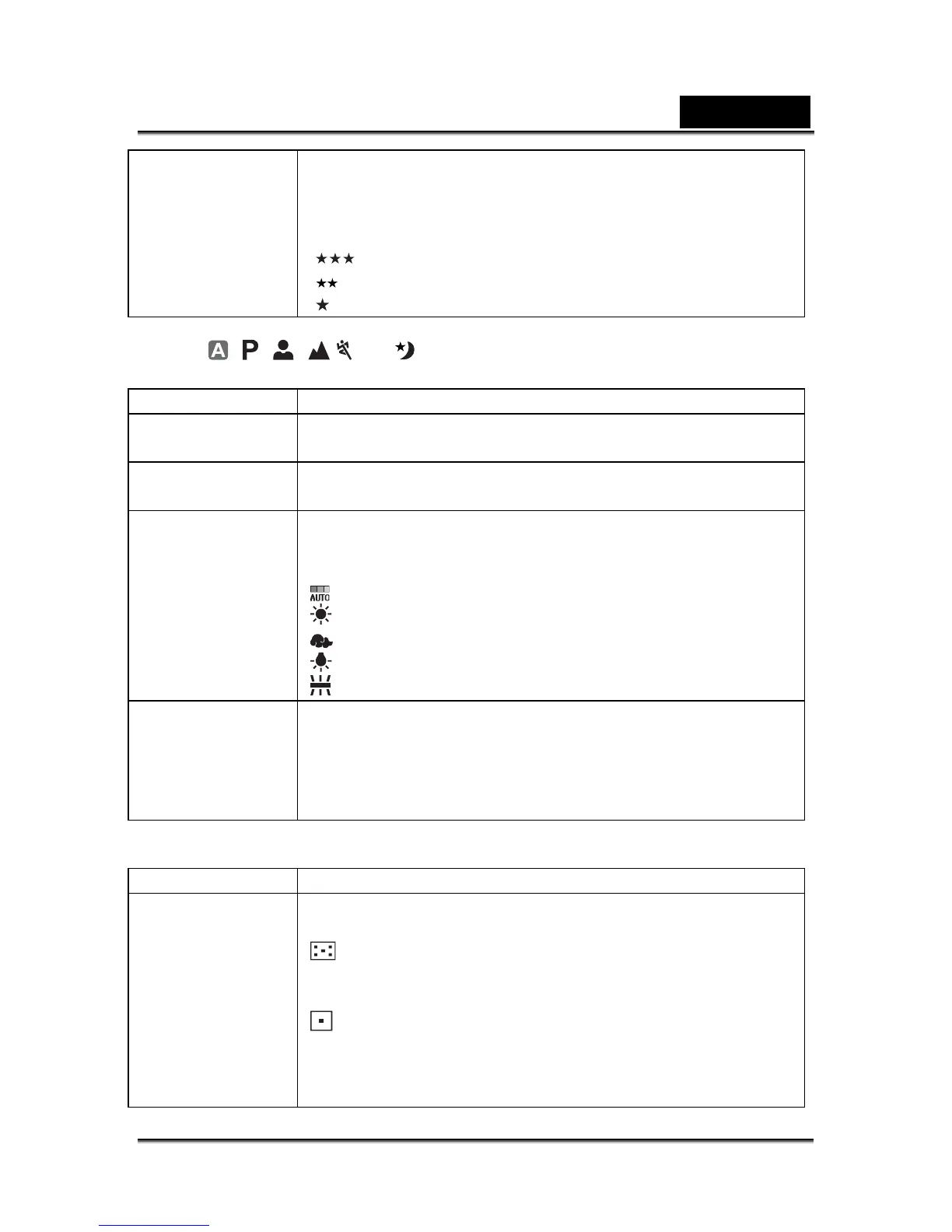
[
] Fine
[
] Standard
[
] Economy
In the , , , , or Mode.
Mode1 settings
Item Functional Description
Image Size Refer to the section “Setting Image Resolution and
Quality” for further details.
Quality Refer to the section “Setting Image Resolution and
Quality” for further details.
White Balance Sets the white balance when shooting under a variety of
lighting conditions and permits photographs to be taken that
approach the conditions that are seen by the human eye.
Auto
Daylight
Cloudy
Tungsten
Fluorescent
ISO Sets the sensitivity for taking pictures. When the sensitivity is
raised (and the ISO figure is increased), photography will
become possible even in dark locations, but the more
pixilated (grainier) the image will appear.
Auto / 64 / 100 / 200 / 400
Mode2 settings
Item Functional Description
Metering You can select the metering mode that sets which part of the
subject to measure to determine the exposure.
Center-weighted: Averages the light metered from the
entire frame, but gives greater weight to the subject matter in
the center.
Spot: The exposure is determined by the small area in the
center of the screen only.



 To Next Page