English
-20-
You can enlarge the subject to a maximum magnification equivalent to 12 times. A
useful feature as it is, however, the more the image is enlarged, the more pixilated the
image will appear.
To capture a zoomed image, perform the following steps:
1. Rotate the mode dial to
, , , , or and turn your camera on by
pressing the power switch.
2. Adjust the magnification ratio by using the
/ button.
To exit the zoom photography, press
continuously the
button.
The status of digital magnification is
displayed on the LCD monitor.
3. Compose your scene and press the shutter
release button.
NOTE
To enable digital zoom feature, set the [Mode2- Digital Zoom] to [On] in the , , ,
, or mode.
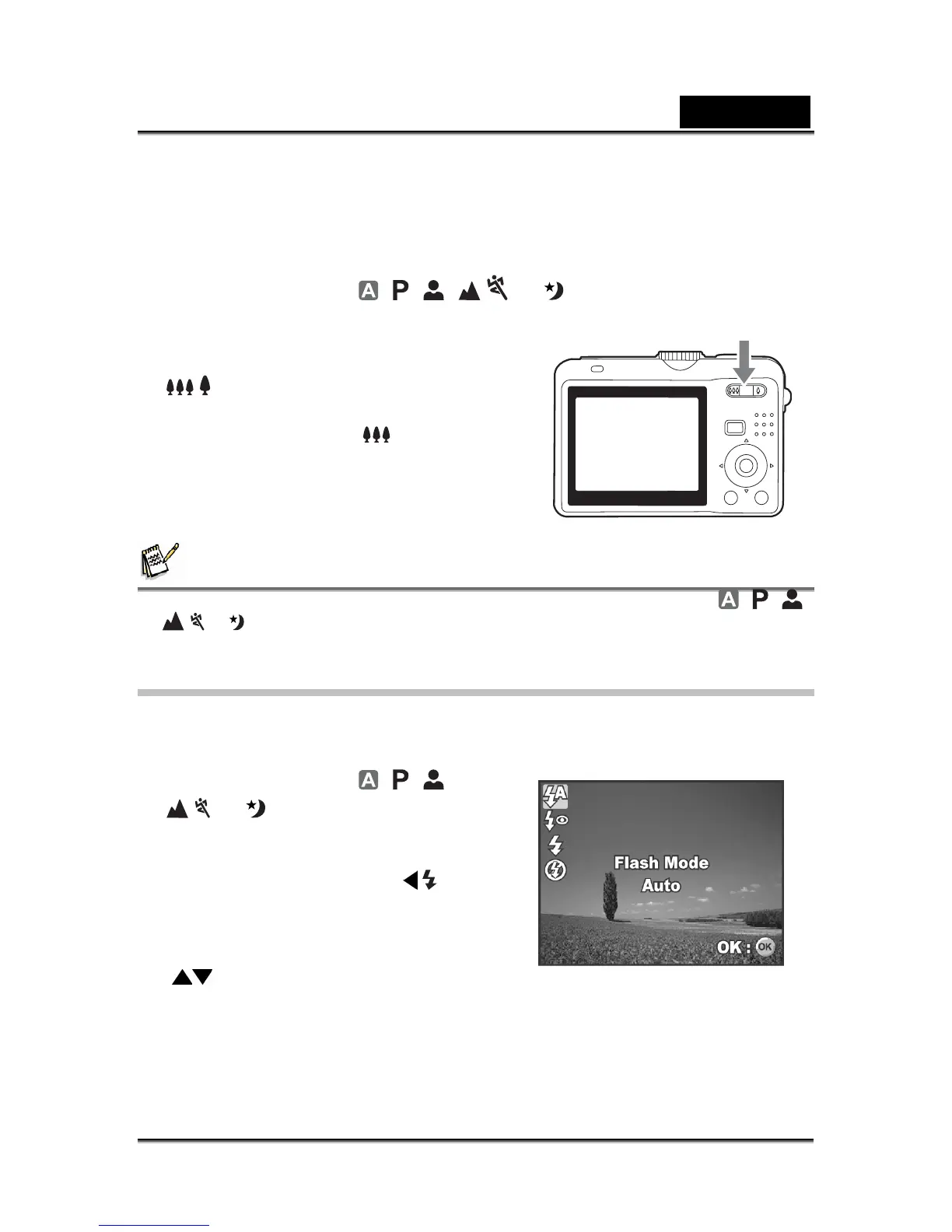
Using the Flash
The flash is designed to function automatically when lighting conditions warrant the
use of flash. You can take an image using a desired flash mode depending on the
circumstances.
1. Rotate the mode dial to
, , ,
, or .
2. Press the power switch to turn on the
power.
3. Press the four-way controller (
/ ). The
flash mode changes each time the button
is pressed. You can also change the
setting using the four-way controller
(
).
4. Press the OK button to confirm the setting.
5. Compose your scene and press the shutter release button.
The camera has four flash modes: Auto, Auto + Red-eye, Flash on and Flash off.
The table below will help you to choose the appropriate flash mode:



 To Next Page