English
-25-
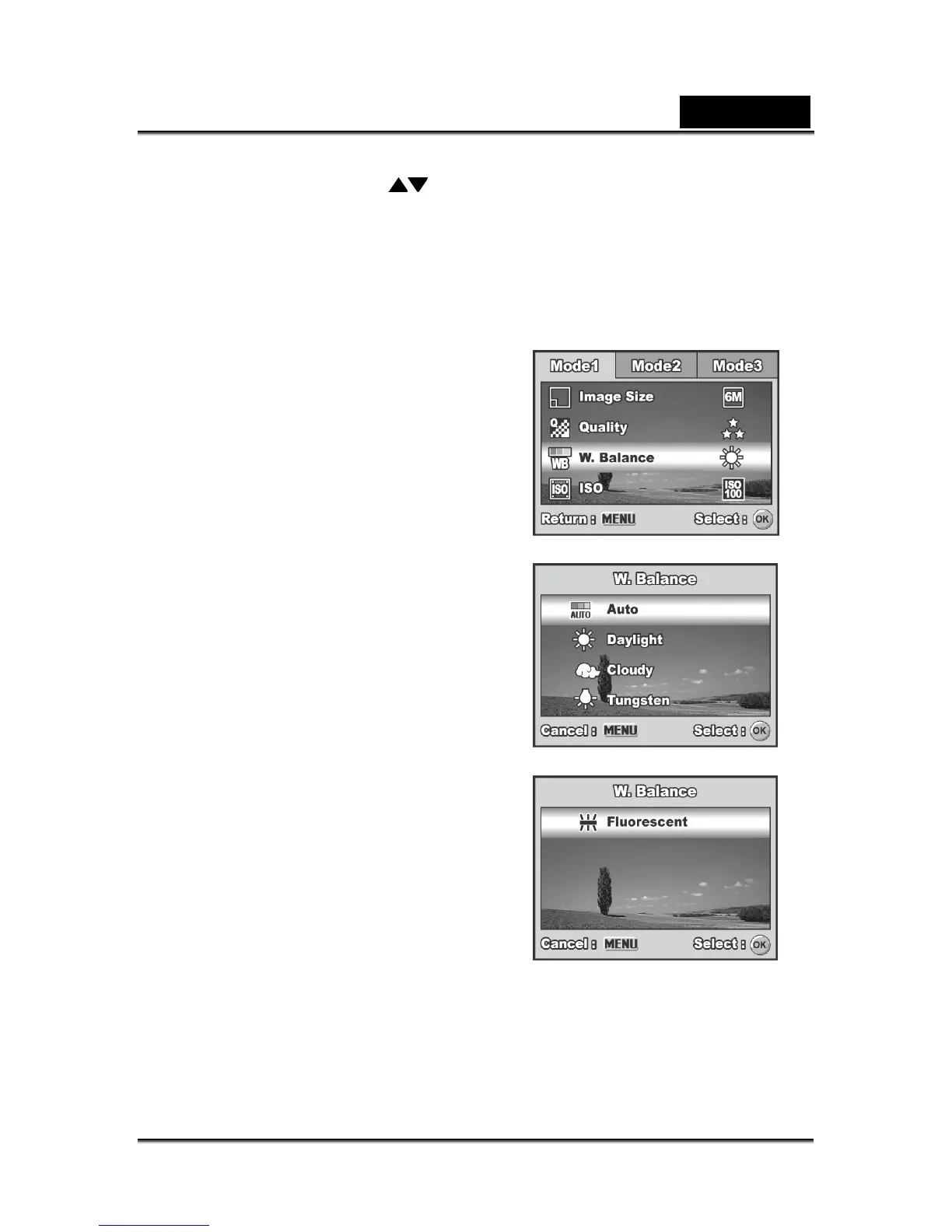
[W. Balance], then press the OK button.
5. Use the four-way controller (
) to select the desired white balance setting, then
press the OK button to confirm.
6. To cancel the setting, press the MENU button and exit the menu.
7. Press the shutter release button to capture the image.



 To Next Page