TECHNICAL SUPPORT: 1.800.283.5936 (USA) OR 1.801.974.3760
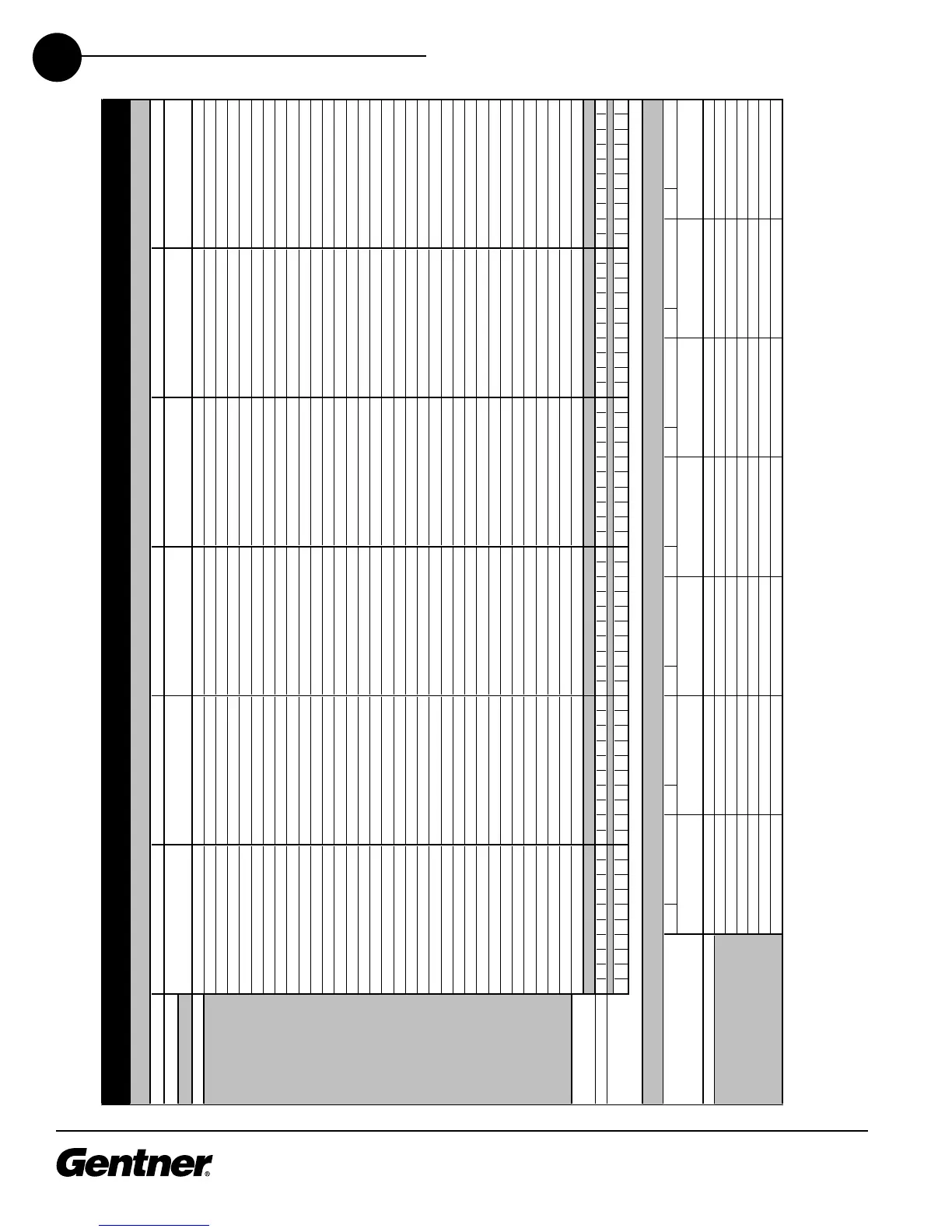
APPENDIX B • PRESET CONFIGURATION WORKSHEET
86
Preset Setup
Description:
For extra large presets,
continue commands in
next column.
Refer to macro
worksheet for details
on all listed macros.
135791113151719135791113151719135791113151719135791113151719135791113151719135791113151719
Key:
Room Configuration Setup
Each configuration is recalled by
activating its listed presets.
XAP 800 Room Preset/Confi
uration Worksheet
Room Configuration No./Name and
Description:
H = Pin Active/Hi
h State
Pr
mman
Li
:
Confi
uration’s Presets:
DB-2
P
r
"B" Pin
DB-25 Remote Control
Port "B" Setu
X = Pin state is irrelevantL = Pin Inactive/Low State
Preset Mask =
Room Preset/Configuration Worksheet



 To Next Page