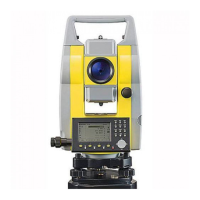
Zipp02 | 10User Interface
2User Interface
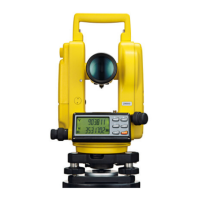
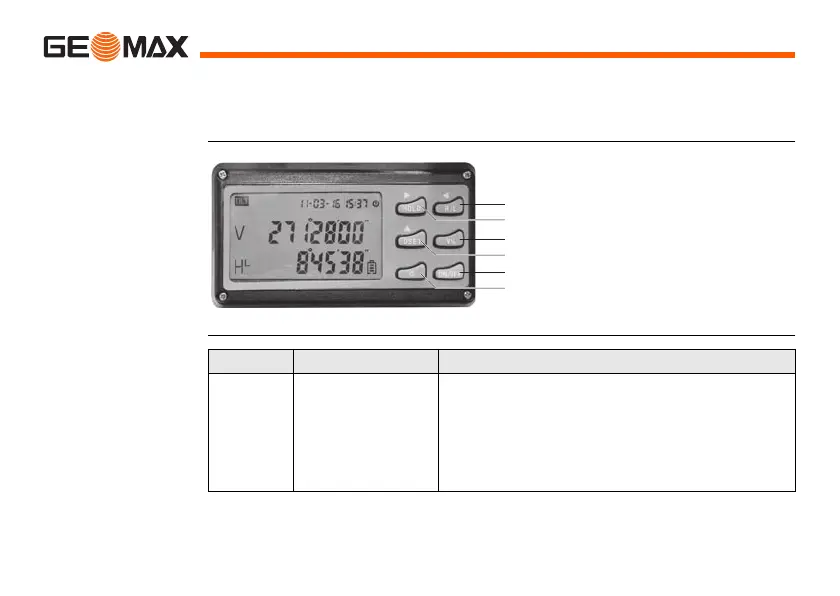
2.1 Function of Buttons
Description
Buttons
1. R/L button
2. HOLD button
3. V% button
4. 0SET button
5. ON/OFF button
6. Light button
1
3
5
2
4
6
Button Function 1 Other
ON/OFF Switch the instru-
ment On/Off
1. One of the function buttons for entering
into initial setting of the instrument.
2. One of the function buttons for entering
into index error setting.
3. One of the function buttons for entering
into compensation setting.

 To Next Page
 Loading...