Li-Ion battery pack indicates when the pack is being charged (flashing slowly) or fully charged
(on, not flashing).
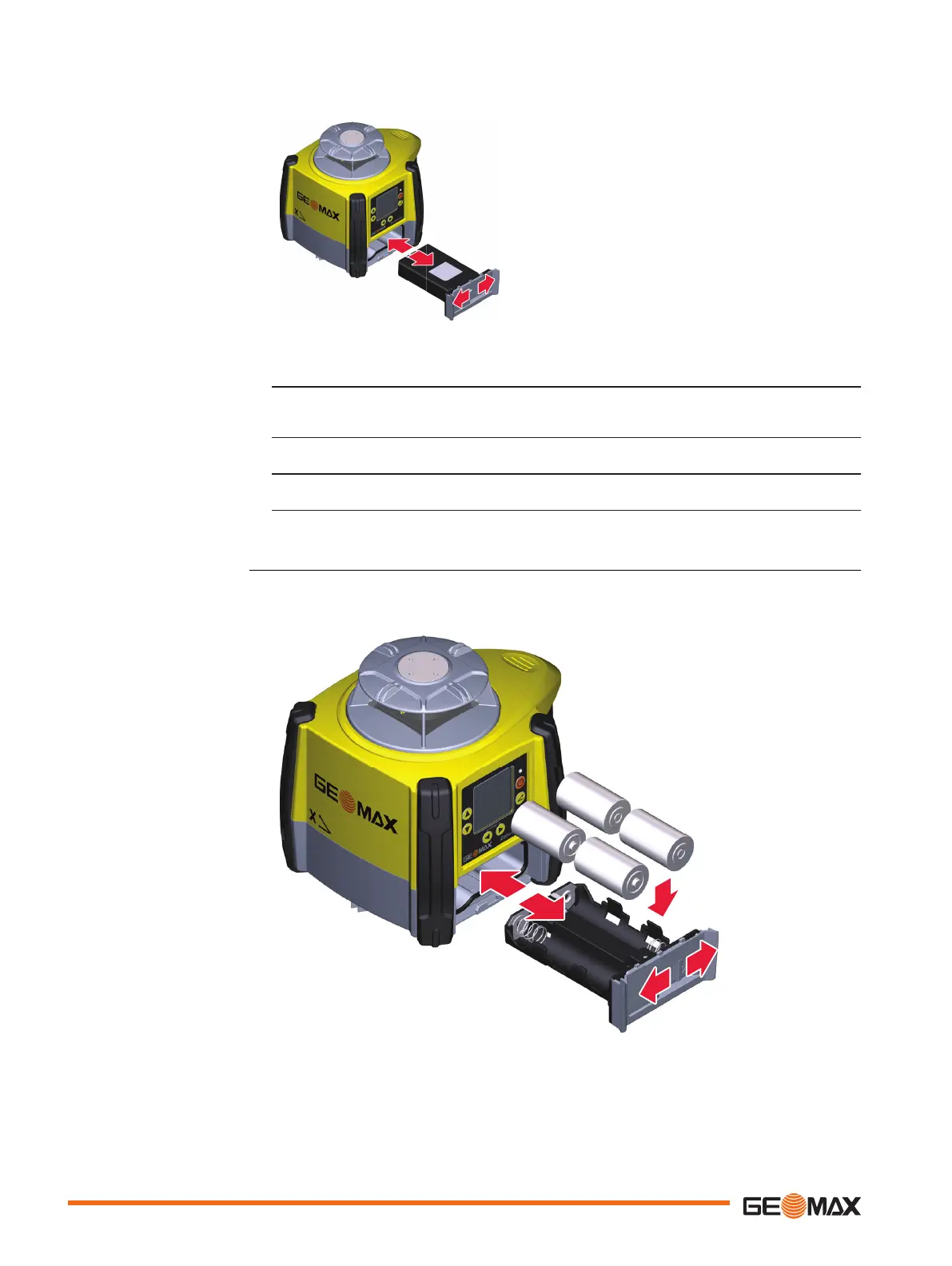
1. The batteries are inserted in the front of the laser.
2. The rechargeable battery pack can be recharged without being removed from the
laser. Refer to " Charging the Li-Ion battery packstep-by-step" for further informa-
tion.
3. Slide the locking mechanism on the battery compartment to the right and open the
cover of the battery compartment.
4. Remove the batteries from the battery compartment and/or
insert the batteries into the battery compartment.
5. Close the cover of the battery compartment and slide the locking mechanism to the
left until it locks into position.
With alkaline batteries the battery indicator on the Zone60 DG LCD display flashes when the bat-
teries are low and need to be replaced. If no battery icon is shown, the batteries are okay.
Changing the alkaline bat-
teries step-by-step
52 Batteries














 To Next Page