Once enabled these alarms become active in the ‘Main Read Screen’; this is indicated by a bell icon.
If an alarm is triggered the screen turns red and a flashing bell icon is displayed. The beeper is
sounded until the gas level has recovered beyond the trigger point.
Rising alarms are triggered when the gas level exceeds the maximum value entered by the
user.
Falling alarms are triggered when the gas level falls below the minimum value entered by the
user.
From the ‘Main Read Screen’ press the ‘Menu’ key on the instrument panel.
Press ‘Key 2’ to display the ‘Utilities’ menu.
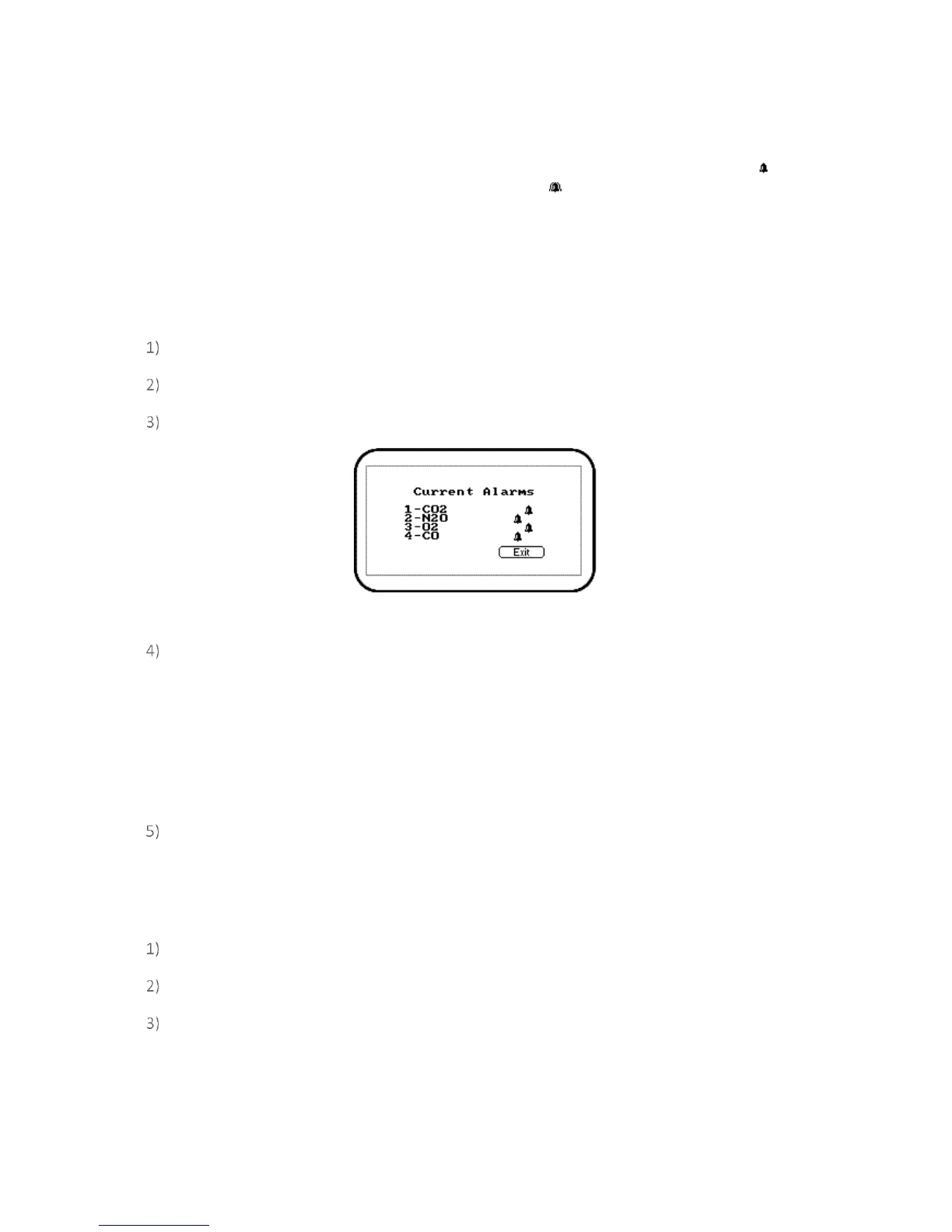
Press ‘Key 3’ to select ‘Alarms’ and the following screen is displayed:
Screen 10 - Current Alarms (G210)
Press the appropriate key/option number to maintain the alarm settings. Select from the
following:
1 – Enabled/Disabled: Toggle between disabled and enabled alarm status.
2 – Max: Sets the upper limit alarm setting.
3 – Min: Sets the minimum alarm setting. The default is 0.
Select the option key to modify followed by the soft-key ‘Accept’ or ‘Reject’.
Settings
The ‘Settings’ option enables the operator to maintain information with regards to taking samples and
readings.
From the ‘Main Read Screen’ press the ‘Menu’ key on the instrument panel.
Press ‘Key 2’ to display the ‘Utilities’ menu.
Press ‘Key 4’ to select ‘Settings’ and the following screen is displayed:



 To Next Page