Page 36
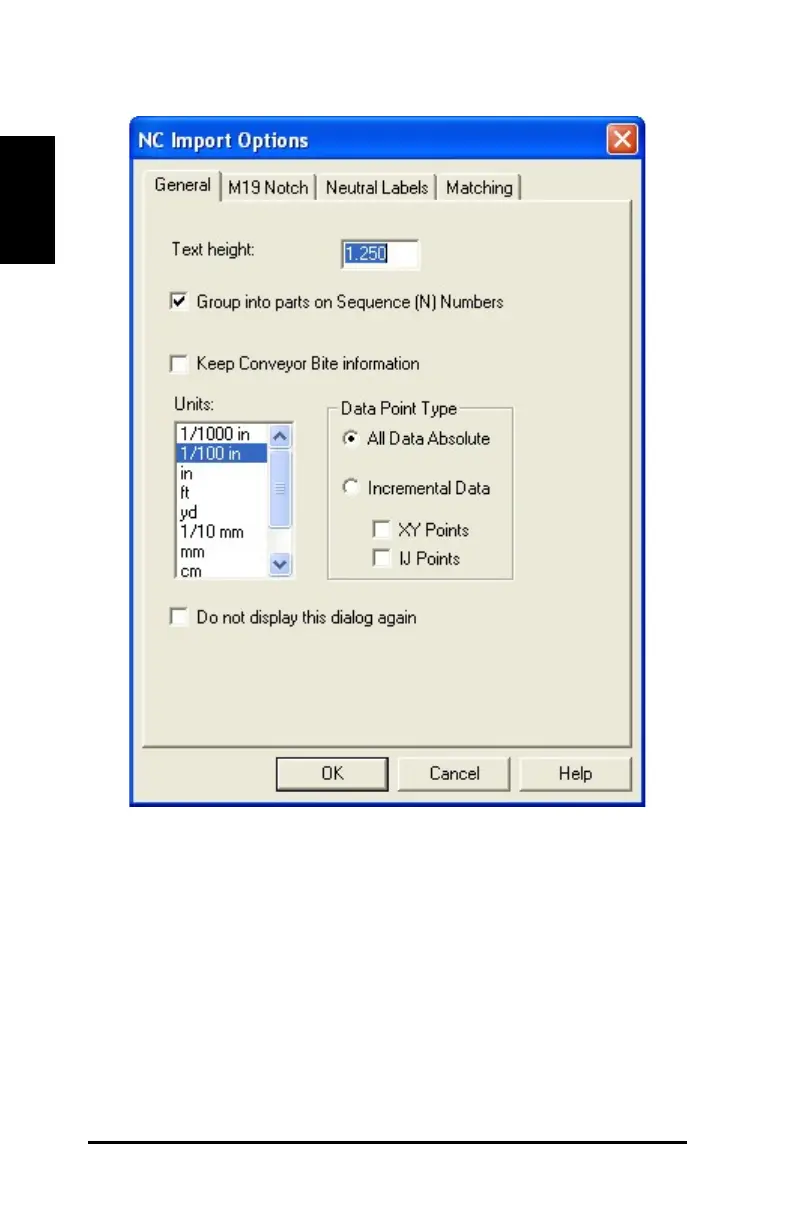
Figure 20: NC Import Options box, General tab
8) Import the GT-TEMPLATE.nc file. Click the M19 Notch tab on the
NC Import Options box.
9) Enter the following properties as shown:
· Under Type, click AccuMark, Lectra.
· Under Length, select Max length to convert. Type 0.250 in the
box.
· Under Placement, select Before polylines.



 To Next Page