Page 40
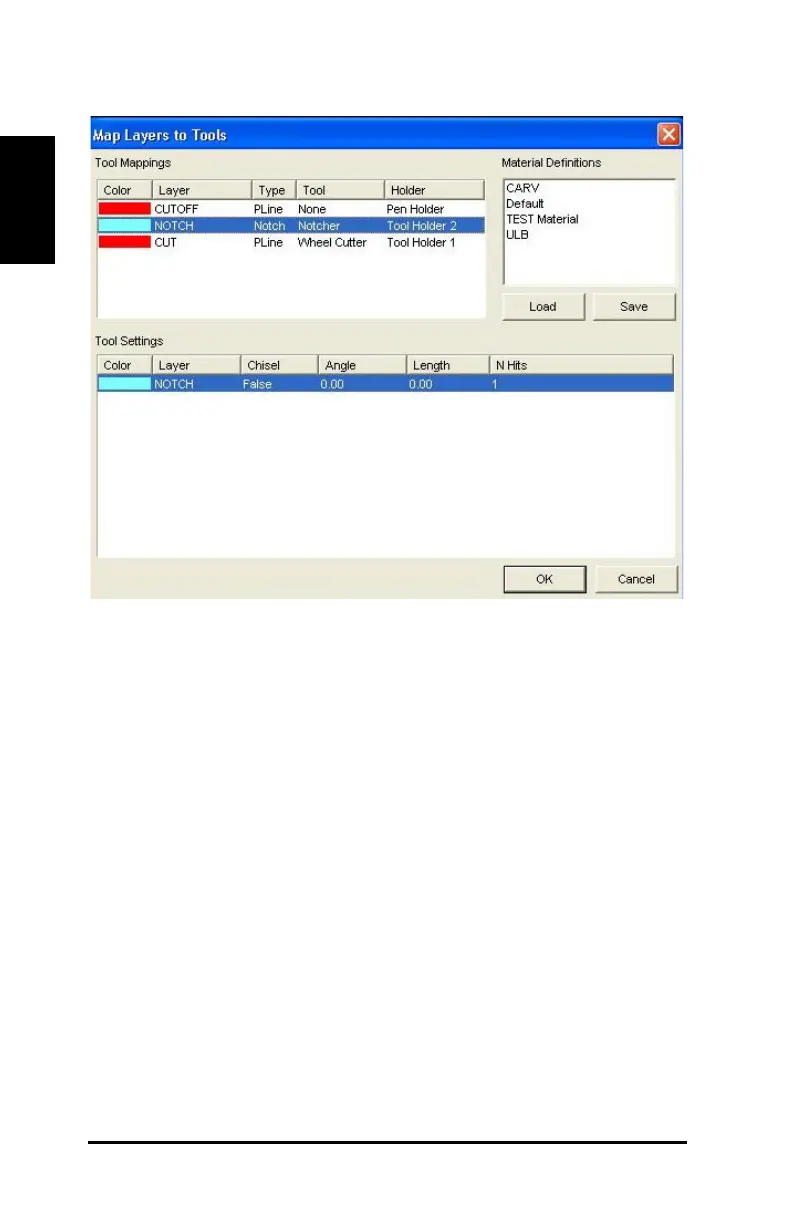
Figure 24: Map Layers to Tools – Notch layer
15) Map Cut layer. In the Tool Mappings box, click Cut.
The cut line is highlighted in the Tool Mappings box and the Tool
Settings box.
16) If necessary, right-click the currently selected cut line tool and select
Wheel Cutter as shown in Figure 23.
17) Enter the following properties in the Tool Settings box as shown in
Figure 23.
· Under Break An..., right-click and type 30.00.
· Under Cut Length, right-click and type 0.25.
· Under Speed, right-click and type 30.00.
· Under Overall, right-click and type 1.00.



 To Next Page