Page 43
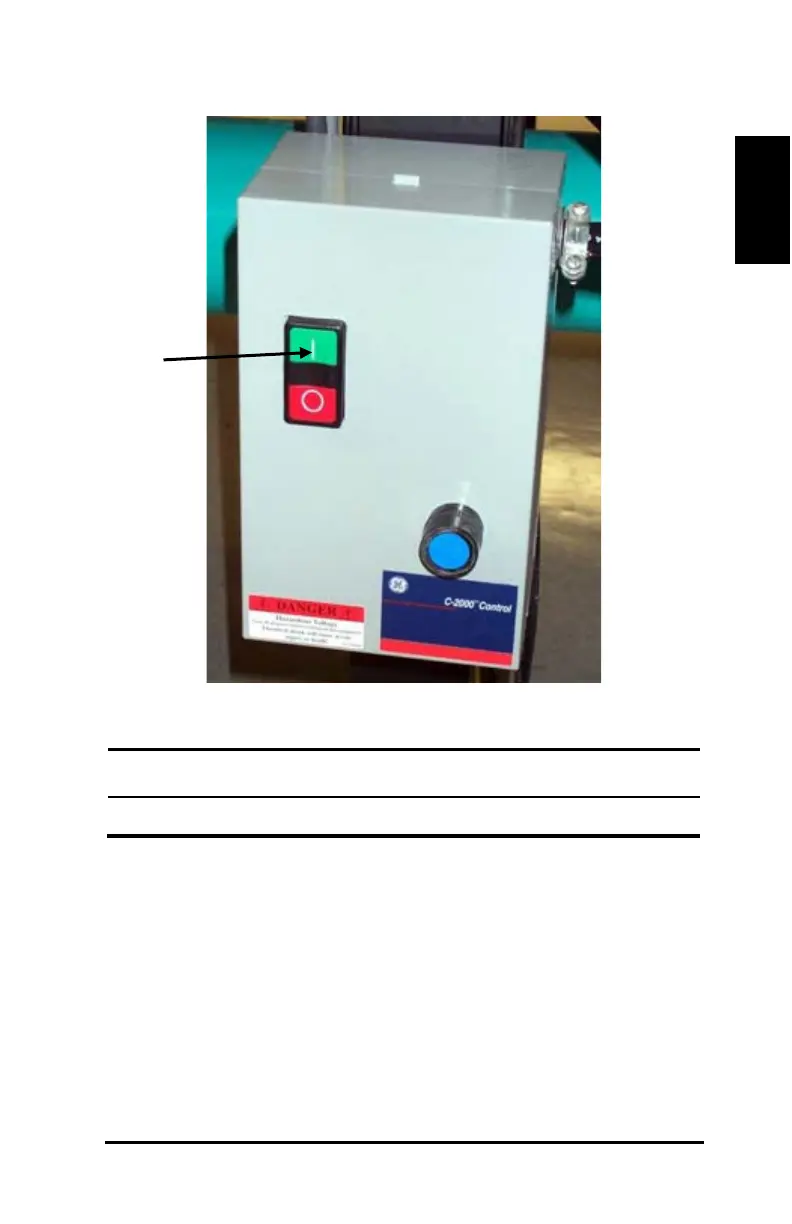
Figure 27: Vacuum on button
ID Component
22) Cut the file. On the Machine menu, click Cut Job. The Starting
Options box opens.
23) Enter the following properties in the Starting Options box as shown
in Figure 26.
a) Select Shift Entities to Job Origin.
b) In the Job Origin box, select Local Origin.
c) In the At End Move Cutter To box, select Local Origin.



 To Next Page