Page 44
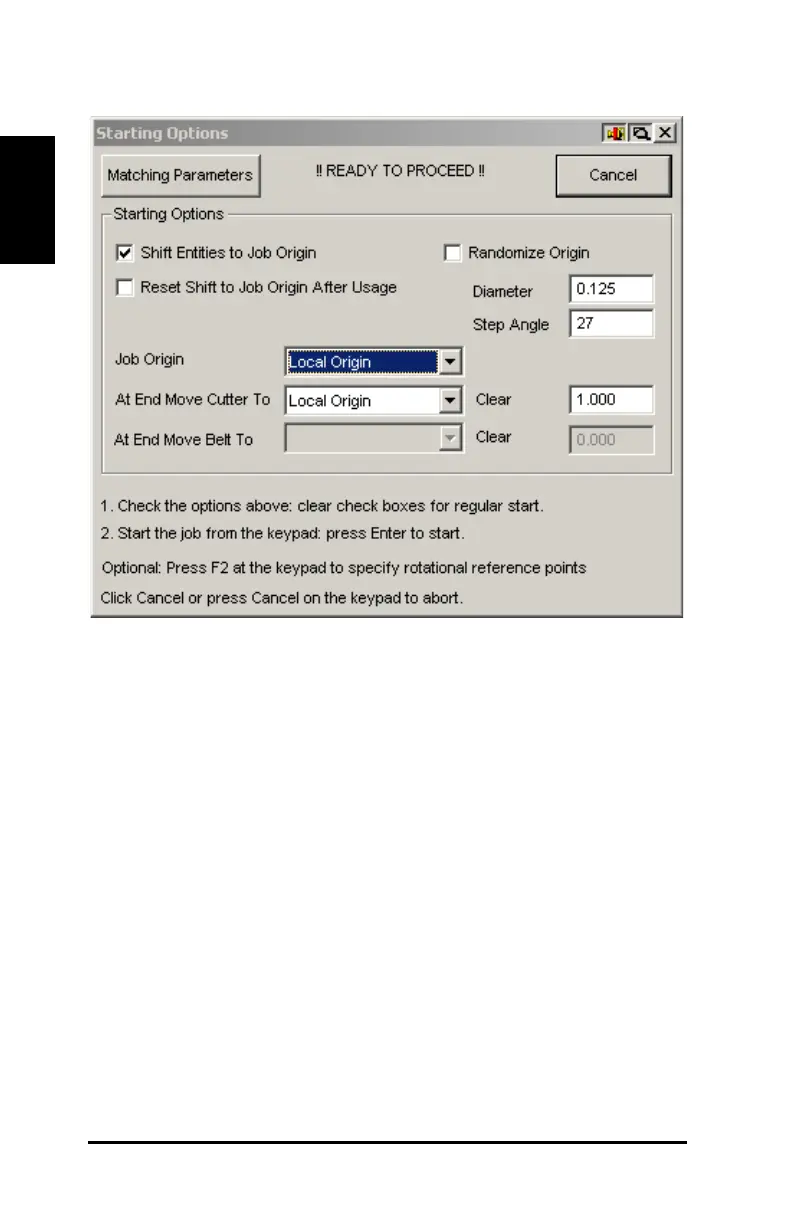
Figure 28: Starting Options box
24) Use the joystick on the beam control panel to move the laser light or
pen 1 in. (2.54 cm) up and 1 in. (2.54 cm) over the lower-left corner
of the material.
25) Push the Enter button on the beam control panel keypad to begin
cutting.
26) Remove the material from the table when the cut is complete.
A successful cut has been completed on the DCS 1500/2500
GERBERcutter.



 To Next Page