Template Module, Version 2.1, 11.08.2020 / Template Basiseinstellungen: Version 3.1 - 07.07.2020
Getting started
Gigaset easy E295-E295A / LUG-Kombi US en / A31008-M2901-R351-1-3S19 / starting_Kombi.fm / 2/8/22
12
Setting date and time
Set the date/time so that the correct date and time can be assigned to incoming calls and to
enable the alarm to be used.
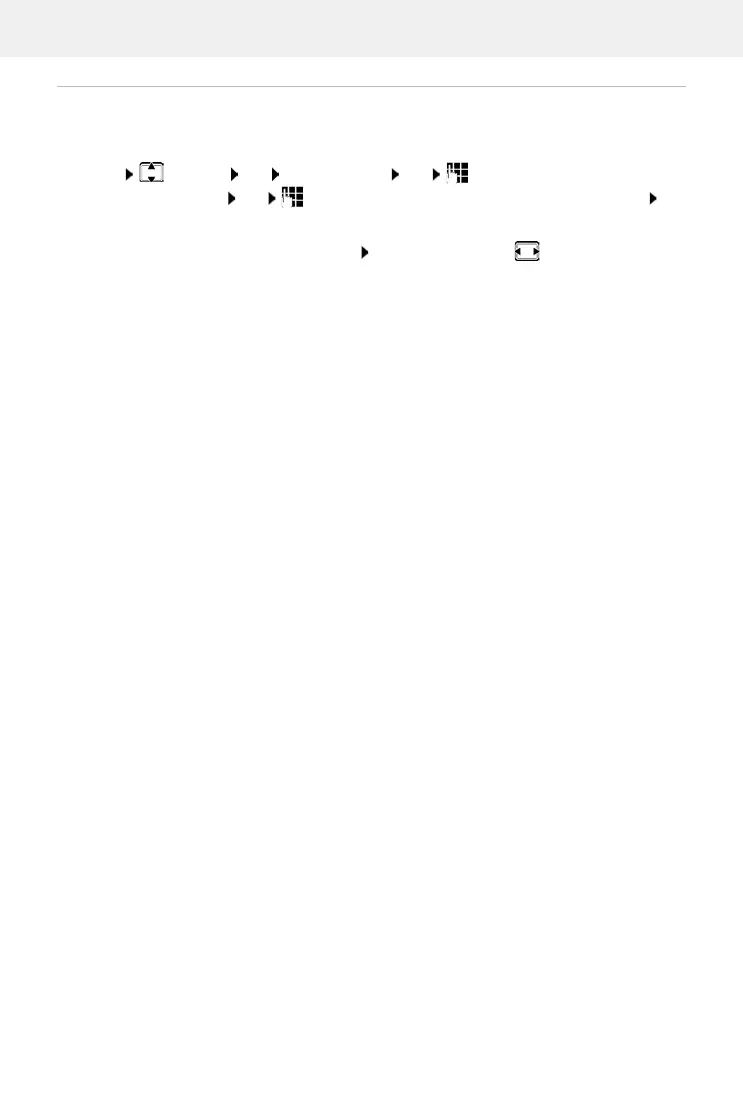
Menu Settings OK Date and Time OK Enter the date (day, month and
year) in 8-digit format OK Enter the time (hours and minutes) in 4-digit format OK
(Display: Saved)
Moving the input position to the left or right:
Press the control key to the left/right
Your phone is now ready for use.



 To Next Page