Gigaset easy E295-E295A / LUG-Kombi US en / A31008-M2901-R351-1-3S19 / telephony.fm / 2/8/22
Template Module, Version 2.1, 11.08.2020 / Template Basiseinstellungen: Version 3.1 - 07.07.2020
Making calls
19
Listening in to an external call
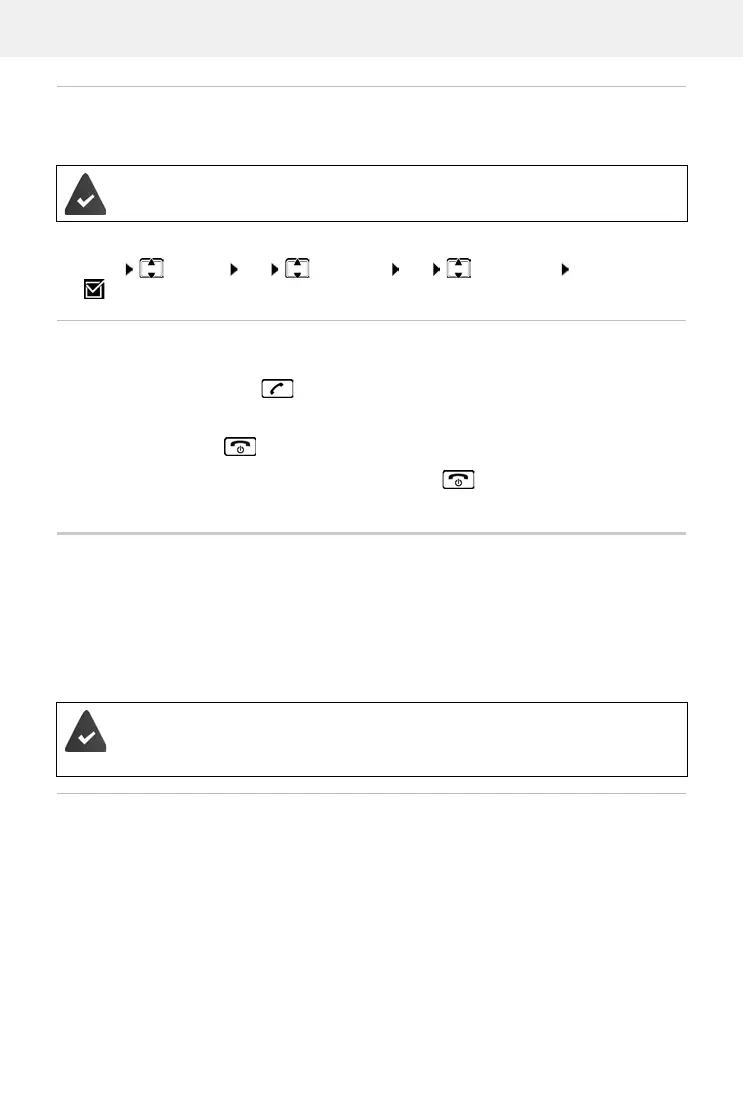
You are holding an external call. An internal subscriber can listen in to this call and take part in
the conversation (conference).
Enabling/disabling internal listening in
Initiating an internal conference call
You want to join an existing external call on a different handset.
Press and hold the Talk key . . . All subscribers hear a signal tone
Ending a conference call:
Press the End call key . . . All subscribers hear a signal tone
When the first internal subscriber presses the End call key , the handset which joined the
conference call remains connected to the external subscriber.
Calling Line Identification
During a call, the caller's number is transferred (CLI = Calling Line Identification) and can be
displayed on the recipient's display (CLIP = CLI Presentation). When the caller's number is
withheld, it is not show on the called party’s display. The call is made anonymously (CLIR =
CLI Restriction).
If CNIP (Calling Name Identification Presentation) is
available, the registered name is shown
instead of the number.
Caller display for incoming calls
Calling Line Identification
The caller's phone number is displayed. If the caller's number is saved in the directory, the name
is displayed.
The Lis
tening in function is enabled.
Menu Settings OK Te le ph ony OK Listening in OK
( = enabled)
You have authorised your network provider to show the number of the caller (CLIP)
and their name (CNIP) on your display.
The caller has authorised the network provider to send the phone number (CLI).



 To Next Page