Template Module, Version 2.1, 11.08.2020 / Template Basiseinstellungen: Version 3.1 - 07.07.2020
Phone settings
Gigaset easy E295-E295A / LUG-Kombi US en / A31008-M2901-R351-1-3S19 / settings.fm / 2/8/22
38
Display language
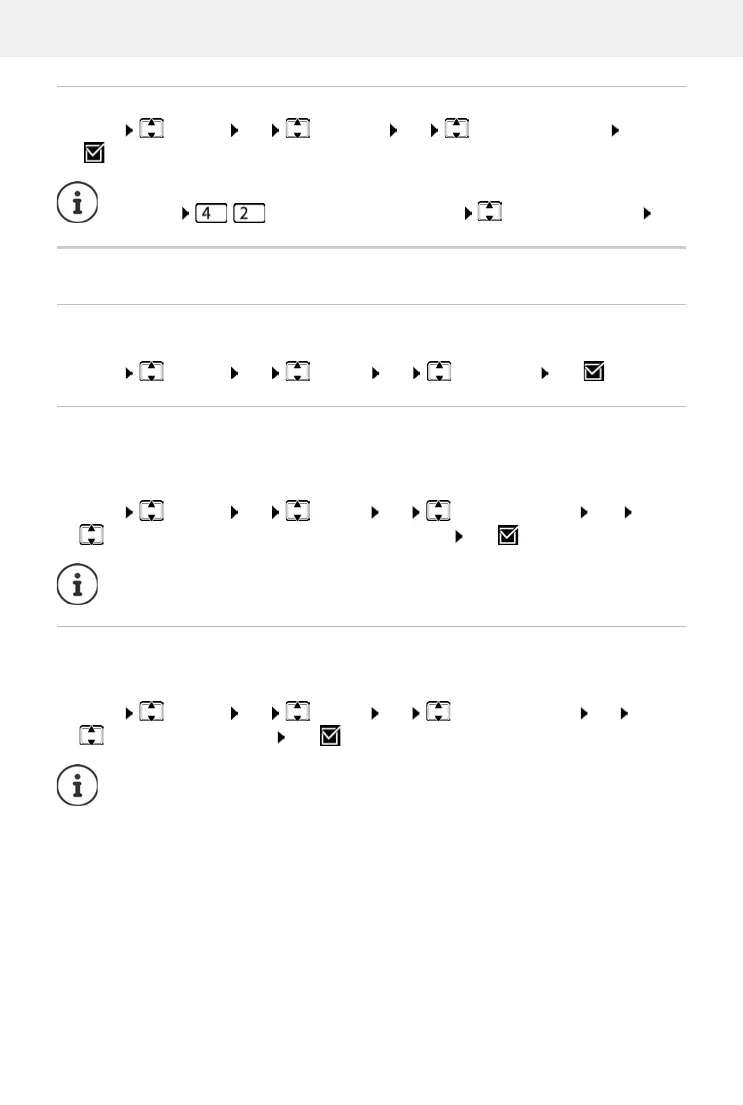
Menu Settings OK Language OK Select the language OK
( = selected)
Display
Large dial keys
Show large dial keys when dialling
Menu Settings OK Display OK Larger Font OK ( = enabled)
Backlight
The display light is switched off when the handset is not used over a long period of time. You can
enable/disable this function separately for situations handset in charging cradle and handset
not in charging cradle.
Menu Settings OK Display OK Backlight Control OK
Display On Out of Charg. or Display On In Charger OK ( = enabled)
During a call, the display is off
During a call, the display normally stays on. When the function is enabled, the display is switched
off during calls.
Menu Settings OK Display OK Backlight Control OK
Display Off During Calls OK ( = enabled)
If you accidentally choose a language you do not understand:
Menu Press keys one after the other Select the language OK
The Display On Out of Charg. setting reduces the standby time.
If the function is disabled, talk time is reduced.



 To Next Page