Template Module, Version 2.1, 11.08.2020 / Template Basiseinstellungen: Version 3.1 - 07.07.2020
Local answer machine (if available)
Gigaset easy E295-E295A / LUG-Kombi US en / A31008-M2901-R351-1-3S19 / answering_A.fm / 2/8/22
28
Operation when on the move (remote operation)
You can check and enable your answer machine from any other phone (hotel, pay phone, etc.).
Enabling the answer machine
Call the telephone connection and let it ring until the announcement Please enter your PIN
(approx. 50 seconds) Use to enter the phone's system PIN within 10 seconds . . . The
answer machine is enabled, the remaining memory is announced and messages are played
back
Checking an answer machine
Call the telephone connection press key during the announcement . . . the announce-
ment is interrupted
enter the system PIN
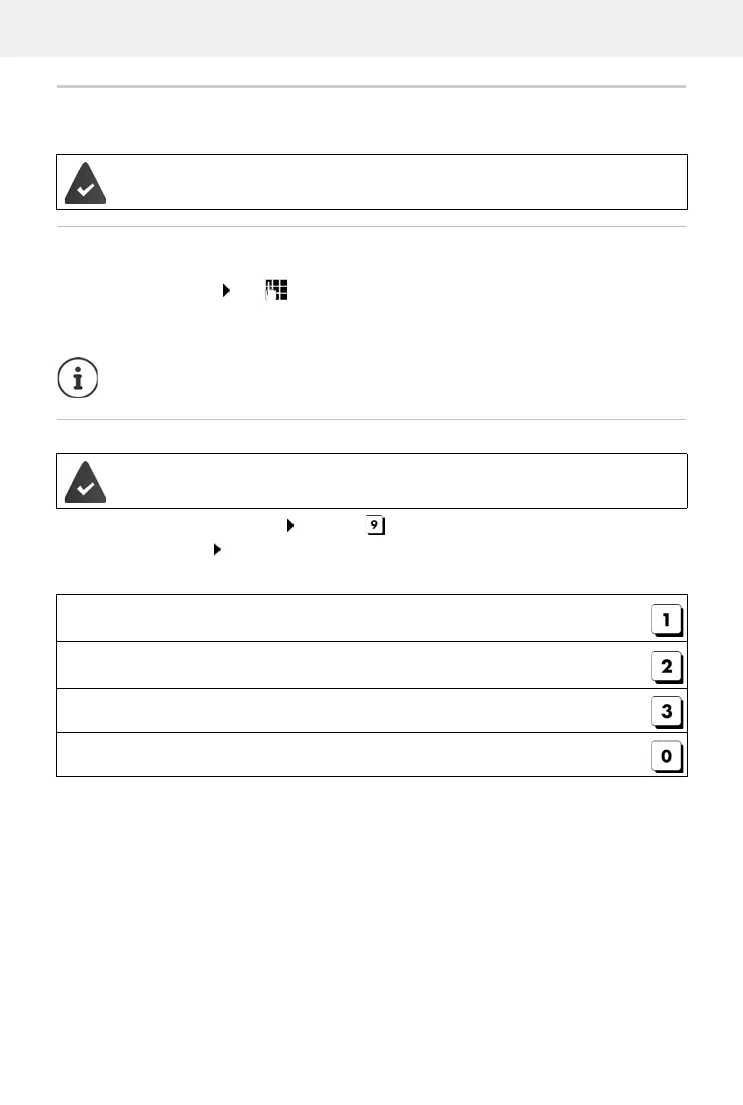
The answer machine is operated using the following keys:
The system PIN is not 0000.
T
he other phone has tone dialling (DTMF).
The answer machine cannot be disabled remotely.
The answer machine is enabled.
During playback of the info block: Skip to previous message.
During message playback: Go to the start of the current message.
Pause playback. Press again to resume.
After a pause of approx. 60 seconds, the connection is ended.
Go to the next message.
During message playback: Delete current message.



 To Next Page