Template Module, Version 2.1, 11.08.2020 / Template Basiseinstellungen: Version 3.1 - 07.07.2020
Making calls
Gigaset easy E295-E295A / LUG-Kombi US en / A31008-M2901-R351-1-3S19 / telephony.fm / 2/8/22
16
Making calls
Making a call
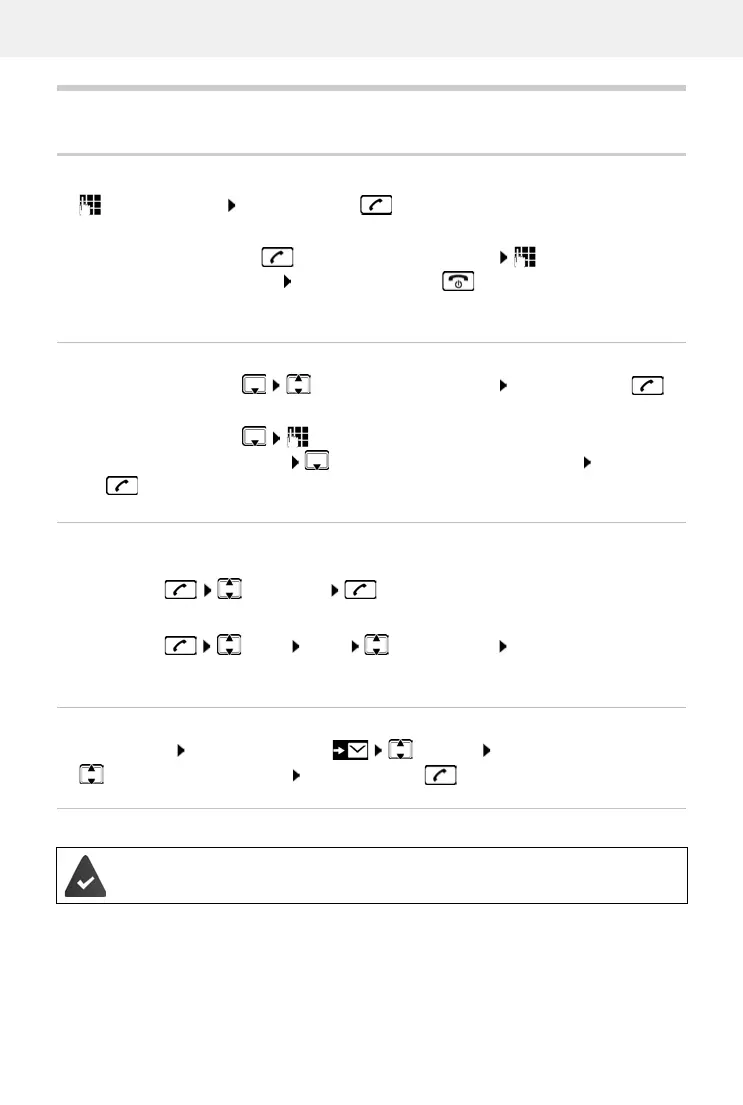
Enter the number Press the Talk key . . . The number is dialled
Ending a call / cancelling dialling: Press the End call key
Dialling from the directory
Open the directory with Scroll to the required entry Press the Talk key
or
Open the directory with Enter the first letter of the name . . . The first entry
matching the input is displayed Scroll as needed to the entry required Press the Talk
key
Dialling from the redial list
The list contains the 10 numbers last dialled with the handset.
Press briefly Select entry
Dialling from the call list
Open the call list: Press the Display key CallsList OK
Scroll to the required entry Press the Talk key
Dialling with speed dial key
Press and hold the quick dial key to which the required number is assigned
or
Press and hold the Talk key . . . The dial tone can be heard Enter the number
You can automatically prefix every number with a network provider prefix (Preselection).
Managing entries in the redial list
Press briefly Select Menu Select function OK
Possible functions: Use Number / Copy to Directory / Delete Entry / Delete List
Entries from the directory are assigned to keys 2 to 9.



 To Next Page