Gigaset easy E295-E295A / LUG-Kombi US en / A31008-M2901-R351-1-3S19 / telephony.fm / 2/8/22
Template Module, Version 2.1, 11.08.2020 / Template Basiseinstellungen: Version 3.1 - 07.07.2020
Call/message lists
21
Disabling preselection permanently
Menu Settings OK Telep ho ny OK Preselection OK
Presel. Number OK Clear the preselection number with the Display key OK
Call/message lists
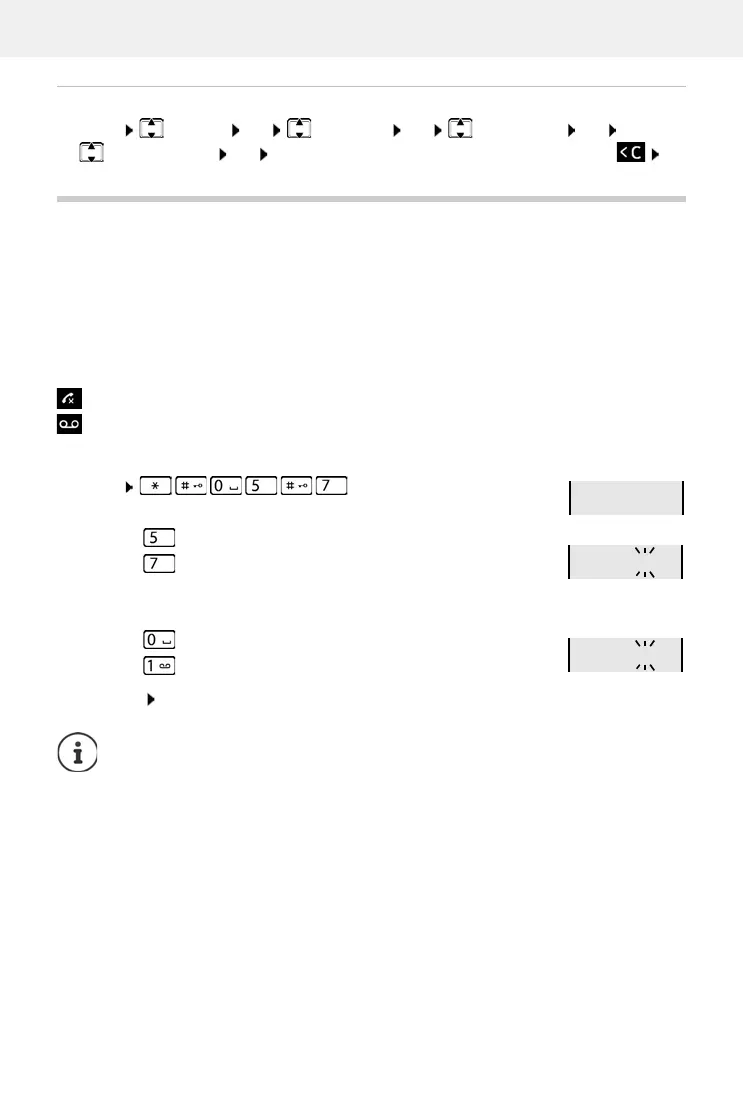
The phone saves information about various events in lists:
• Call list: Numbers of all incoming and missed calls
• Network mailbox list: Messages on the network mailbox
An advisory tone sounds as soon as a new entr
y appears on one of the lists. The default setting
is the message key flashing (= left display key) and the following shown on the display:
Disabling the display of new messages
Select the type of message:
Setting the actions for new messages:
• Answer machine list: Messages on the local answer machine (if available)
+ number for missed calls
+ number for new voice messages
Menu
Press key for missed calls
Press key for messages on the local answer machine
(if available)/network mailbox
Press key The presence of new messages is displayed (default).
Press key The presence of new messages is not displayed.
Save setting: OK
A change to the setting only becomes effective once the next new message is
received.
If calls are stored in the network mailbox, you receive a message when the setting is
configured (dependent on the network provider).



 To Next Page