Gigaset easy E295-E295A / LUG-Kombi US en / A31008-M2901-R351-1-3S19 / operating.fm / 2/8/22
Template Module, Version 2.1, 11.08.2020 / Template Basiseinstellungen: Version 3.1 - 07.07.2020
Using the phone
15
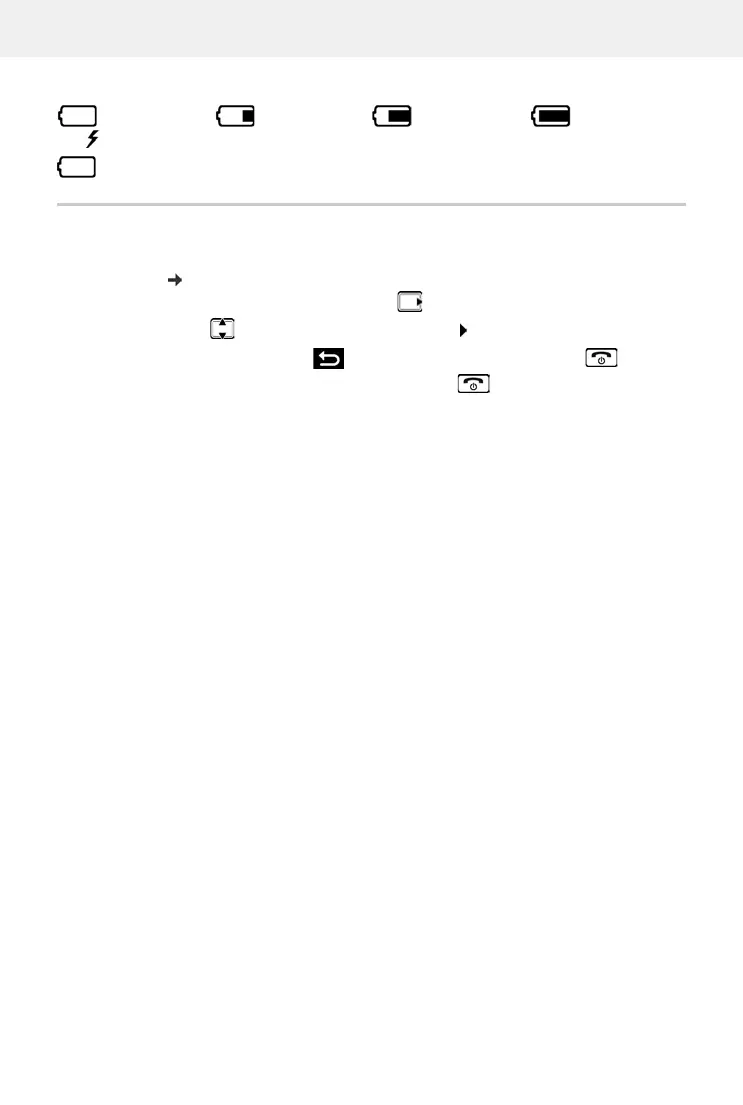
Battery charge level
Menu navigation
When the phone is in idle, press the control key (right) . . . the menu opens
Use the control key to scroll to the function required Confirm with OK
The display automatically returns to idle mode after two minutes of inactivity.
0 - 10% 11 - 33% 34 - 66% > 66%
The symbol is shown at the front during the charge process.
Flashing Battery almost flat (less than 10 minutes of talk time)
The functions of your phone are displayed in a menu comprising several levels.
Menu overview: p. 54
Back one level:
Press the key or briefly press the End call key
Return to idle:
Press and hold the End call key



 To Next Page