44
Using lists
Gigaset SL910/910A / GBR/IRL / A31008-M2300-L101-1-7619 / direct_charges.fm / 23.08.2011
Version 4.1, 21.11.2007
The list of missed calls and the answering machine list (Gigaset SL910A) are always
displayed. The icon for the network mailbox is always displayed, provided the
number is stored in the telephone. The other lists are only displayed if they contain
messages.
The icons have the following meanings:
Deleting lists
You can delete the entire contents of the individual lists:
¤ In the Settings menu (¢ page 24), touch [ Ê System]. ¤ (If necessary, scroll).
¤ Touch ’ next to Clean-up List. ¤ Touch ± next to the list to be emptied.
¤ Press Ye s to confirm.
Configuring the display of new messages
An advisory tone sounds as soon as a new entry arrives in a list.
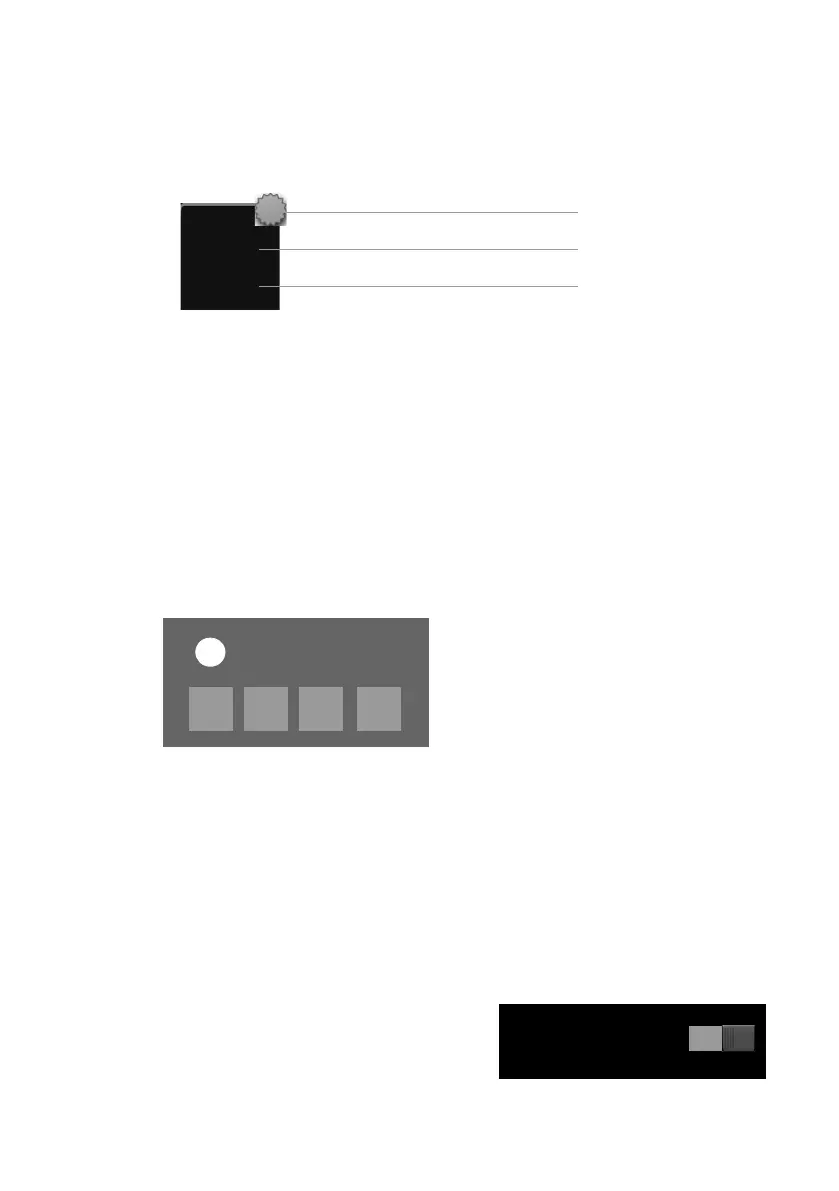
In idle status, the following message appears:
The number of new messages is displayed under the icons.
¤ Open the list: Touch the list icon.
¤ Close the message: Touch x (top right).
For messages from the network answering machine, please refer to the user guide.
Configuring extended display of new messages
Specify whether, in the case of new messages, the message LED on the left next to
the earpiece should also flash.
¤ In the Settings menu (¢ page 24),
touch [ g Display and Keypad].
¤ Activate or deactivate the message LED
using the button.
™
19
3
Number of new messages in the list
List icon (see below)
Number of old messages in the list
x
You received
+
Ã
0
™
1
·
0
0
Icon New message...
Ã
... in the answering machine list
(Gigaset SL910A only) or on the
network mailbox
™
... in the Missed Calls list
·
... in the SMS list
... in the Reminders / Events list
[ gDisplay and Keypad] submenu
Indication of New Messages
LED + Display Info



 To Next Page