75
Setting up the handset
Gigaset SL910/910A / GBR/IRL / A31008-M2300-L101-1-7619 / settings-pabx.fm / 23.08.2011
Version 4.1, 21.11.2007
Configuring QuickDial
In configuration mode:
¤ Drag the icon for QuickDial into the configurable area and drop it. The directory
is opened.
¤ Select an entry. ¤ In the detail view for the entry, select the phone
number with which the QuickDial icon should be linked.
Changing the display language
¤ In the Settings menu (¢ page 24), touch [ °Language and Location].
¤ Touch ’ next to Display Language. ¤ Select language (Ø = selected).
¤ Confirm with è. ¤ Back with ‘.
Setting the country and your own area code
In order to be able to transfer phone numbers (e.g., in vCards), your area code
(country and local area code) must be saved in the phone.
¤ In the Settings menu (¢ page 24), touch [ °Language and Location].
¤ Continue ¢page 18.
Configuring the keyboard/keypad
You can change the appearance and behaviour of the selection fields shown in the
display. The settings do not correspond to the handset keys (
cva).
¤ In the Settings menu (¢ page 24),
touch [ g Display and Keypad].
¤ Scroll to Keypad. You can configure
the following:
u Key Tones: Every time you touch a
number, a confirmation tone is audible.
u Key Vibration: Every time you touch a
number in the selection field, the hand-
set vibrates.
u Keypad with R/P: With R you can insert
a line interruption (recall), with P a dialling pause. You can insert a "P" by "Press-
ing and holding the : key" and an "R" by "Pressing and holding the ; key".
u Keypad w. Letters: For dialling with letters – sometimes used for entering serv-
ice numbers, for example.
¤ You can use the button on the right to activate or deactivate the relevant func-
tion directly.
Please note
u The QuickDial number changes if you change the corresponding number in
the directory.
u If you delete the number assigned to the QuickDial shortcut from the direc-
tory, the QuickDial icon is deleted from the configurable page without
prompting.
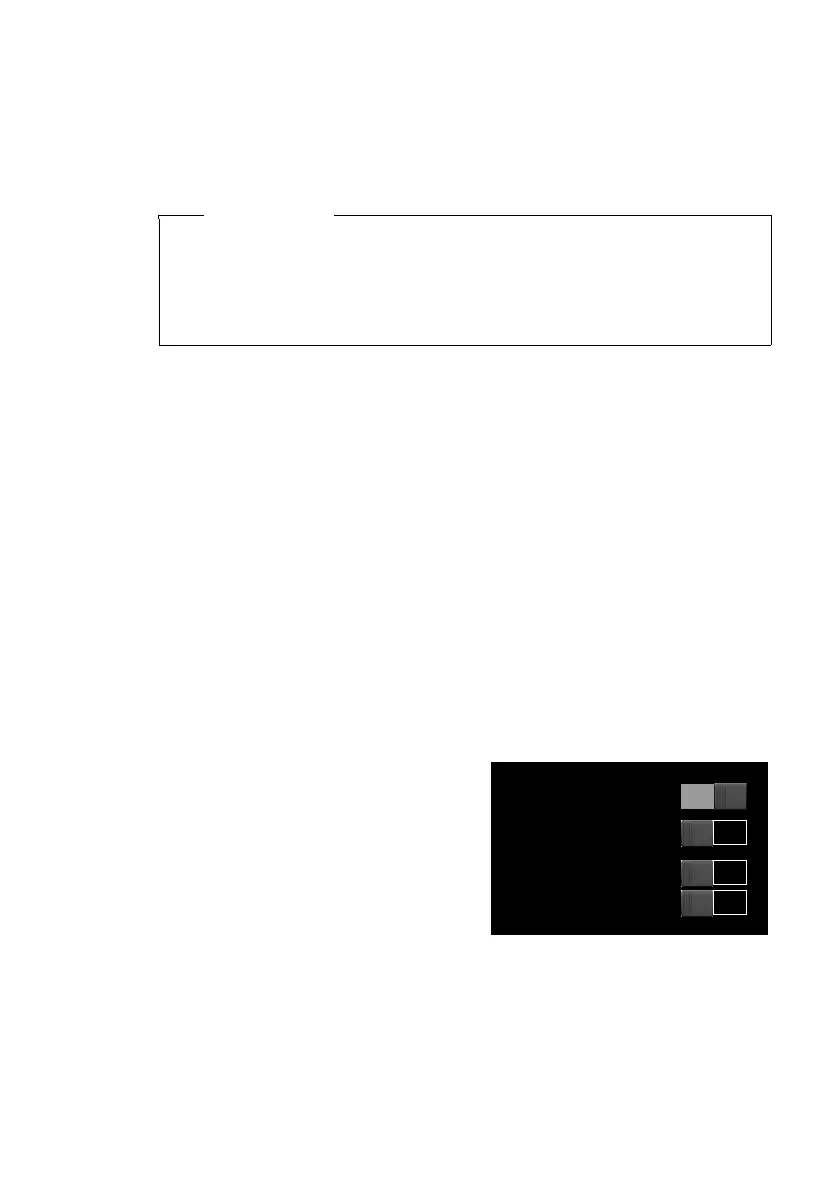
[ gDisplay and Keypad] submenu:
Keypad
Key Tones
Key Vibration
Keypad with R/P
Keypad w. Letters



 To Next Page