72
Setting up the handset
Gigaset SL910/910A / GBR/IRL / A31008-M2300-L101-1-7619 / settings-pabx.fm / 23.08.2011
Version 4.1, 21.11.2007
Setting up the handset
Your handset comes with default settings, but you can change the settings to suit
your individual requirements.
Quick access to functions, QuickDial –
customising your own idle display page
On the configurable page of the idle display (¢ page 22, example ¢ page 20)
you can customise applications, functions and phone numbers for quick access.
Starting the configuration process
¤ While in idle status, open the configurable page (¢page 24).
¤ Press and hold (approx. 2 seconds) any position on the configurable area on the
display.
A selection bar with functions is displayed in the header, which you can drag onto
the configurable page (
¢ page 73). You can move the selection bar horizontally
(Scrolling horizontally,
¢ page 27) to display further selection options.
Completing the configuration process
¤ Either press and hold any position on the configurable area of the display, or
briefly press a. The settings are saved.
Ð
INT 1
¼ 06:00 V
<
Ä Å Ä
>
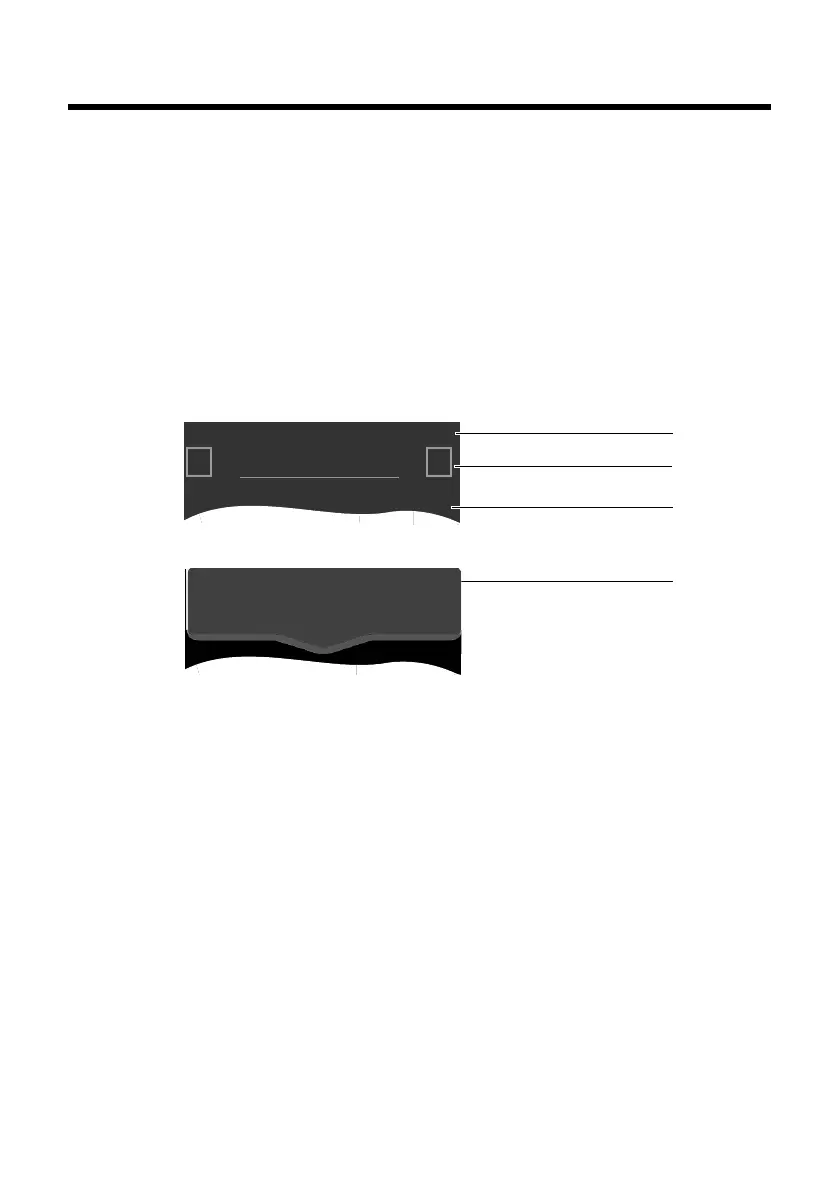
Status bar
Navigation area
Configurable area
Selection bar
Idle status
Configuration mode
Ù
Alarm
l
QuickDial
¾
Write Message



 To Next Page