73
Setting up the handset
Gigaset SL910/910A / GBR/IRL / A31008-M2300-L101-1-7619 / settings-pabx.fm / 23.08.2011
Version 4.1, 21.11.2007
Adding application/function
In configuration mode:
¤ Drag the function/application using drag&drop from the selection list into the
configurable area.
With the exception of QuickDial, you can only drag the functions to the configura-
ble area once.
You can collate a maximum of 18 functions, applications or QuickDial shortcuts on
the configurable page. You can only use the functions/applications after exiting
configuration mode.
Removing application/function
In configuration mode:
¤ Drag the corresponding icon back into the selection list.
A QuickDial is deleted. The related entry in the directory remains unchanged.
The settings for all other functions (e.g., wake-up time) remain unchanged.
Selectable applications and functions
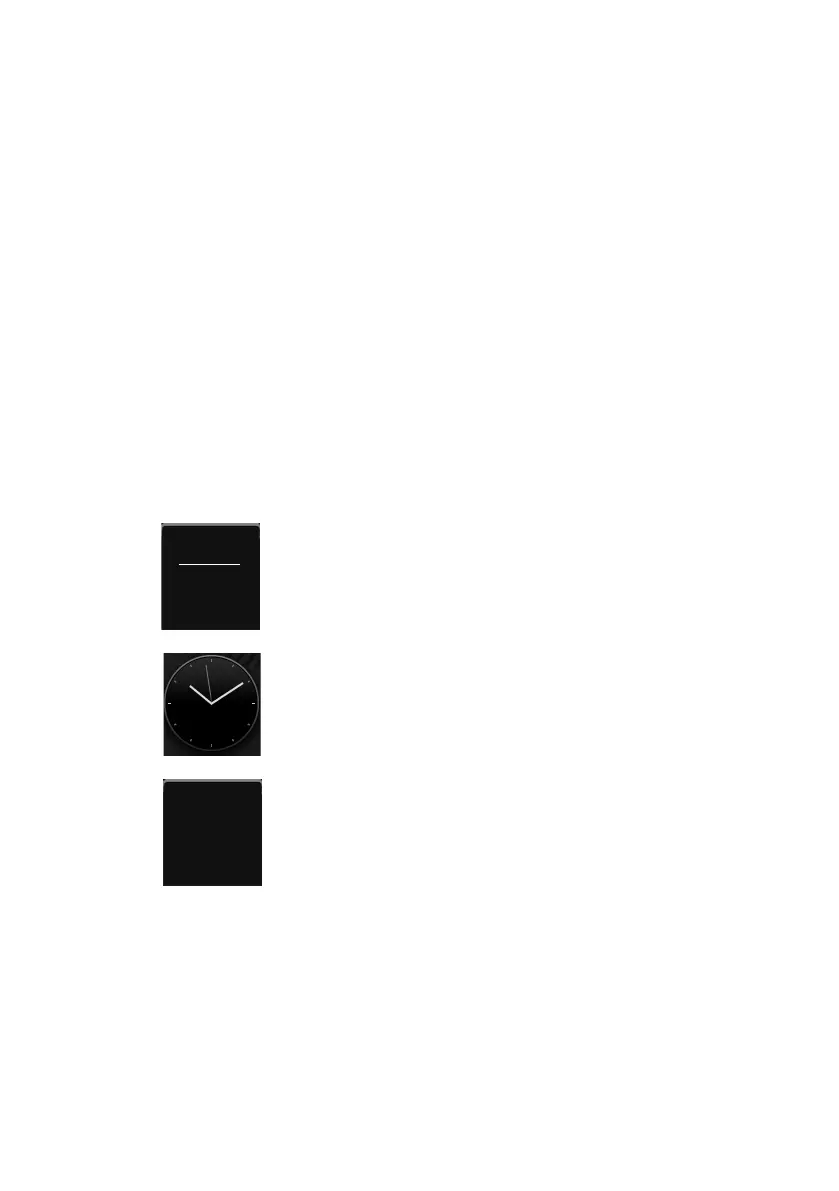
Icon Description
Display of the current date (if set).
If the date has not yet been set, the icon flashes.
¤ Set the date: Touch the icon (¢page 16).
Display of the current time (if set).
If the time has not yet been set, the icon flashes.
¤ Set the time: Touch the icon (¢ page 16).
Display of the alarm status and (if the alarm is activated) the
wake-up time.
¤ Touching the icon opens up the alarm clock menu
(
¢ page 67).



 To Next Page