51
Sending and receiving SMS messages (text messages) *
Gigaset SL910/910A / GBR/IRL / A31008-M2300-L101-1-7619 / sms.fm / 23.08.2011
Version 4.1, 21.11.2007
SMS inbox
The inbox contains all the received SMS messages and those SMS messages that
could not be sent due to an error.
New SMS messages are indicated on the handset with a message (
¢ page 44) in
idle mode, by a flashing LED (if set, see page 44) or you will hear an advisory tone.
Opening the SMS inbox
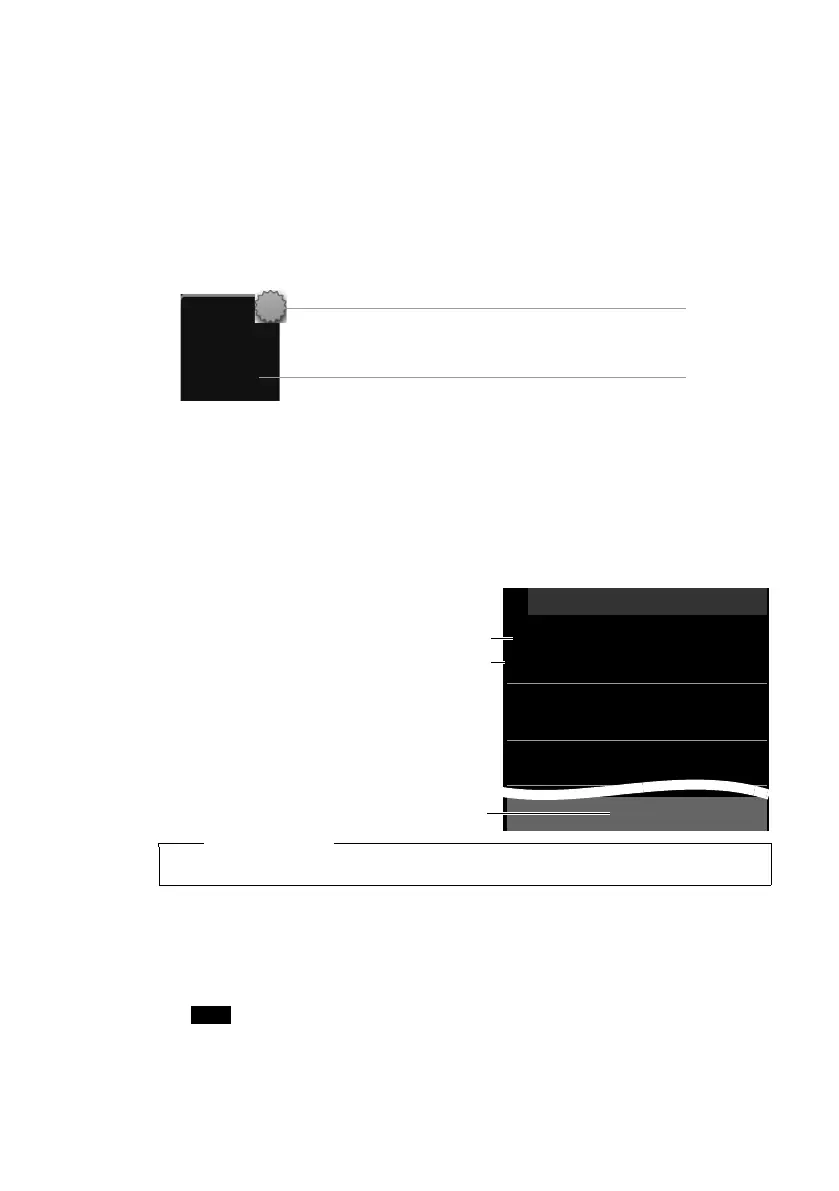
If the SMS inbox contains messages (read or unread), the following icon appears on
the message page in the idle display:
¤ Touch the icon to open the SMS inbox.
If the SMS inbox contains new (unread) SMS messages, you can open the SMS inbox
using the message in the idle display (¢page 44):
¤ Touch ·.
Entry in the SMS inbox
An entry in the inbox is displayed with the sender and date of receipt (example):
1. Number or name and number type
(if number is in the directory).
Unknown, if no number is available.
2. SMS status:
· (Red): New (unread) SMS mes-
sages
· (White): Old (read) SMS mes-
sages, as well as date and time of re-
ceipt.
3. Touch [ mNew] to write a new SMS
message (
¢ page 50).
Reading and managing SMS messages
¤ Touch an entry in the SMS inbox. You have the following options:
u [ ® Reply]: Write and send an SMS to the sender (¢ page 50).
u [ N Edit]: Change the SMS text and send back to the sender (¢ page 50).
u [ Send]: Forward the SMS to another number (¢ page 50).
u [ ü Delete]: Delete SMS.
u Press c: Call sender of the SMS.
u Touch sender/number in the message text
¾
8
2
Number of new (unread) SMS messages in the list
Number of old messages in the list
L
Text Messages Inbox
Anne Sand
M
·
8:30, Home
01231234567
M
·
Yesterday, 8:03, Office
Unknown
M
·
08.06, 11:09,
m
New
1
2
3
Please note
To delete the entire contents of the SMS inbox, see page 44.



 To Next Page