((
#$*&#,$*4("('"
56
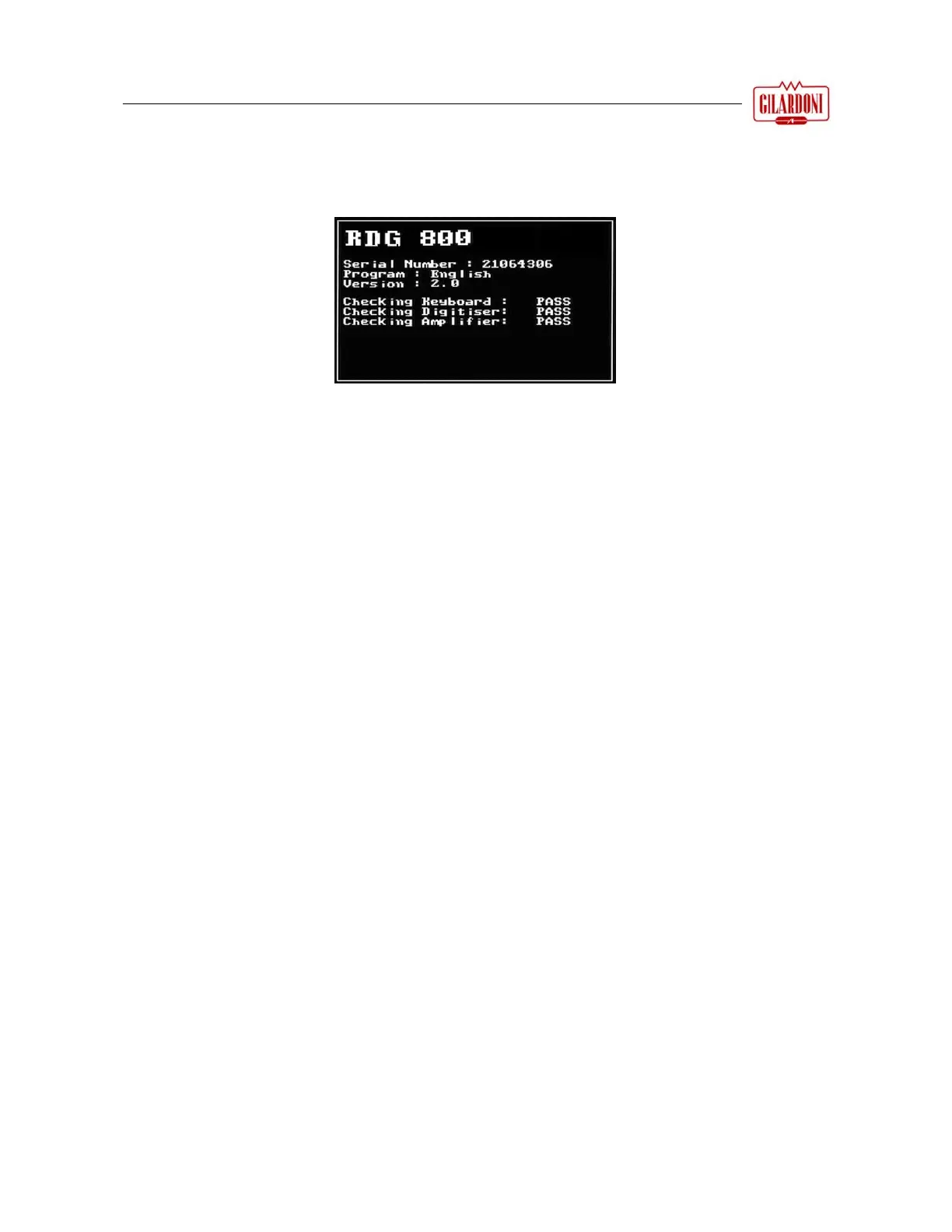
When you turn on the instrument, an information screen appears briefly showing the instrument serial
n
umber and software version; the instrument runs an auto-test at the same time to ensure it is operating
properly, as shown in the figure below.



 To Next Page