-22-
RIGISCAN
®
(User Guide)
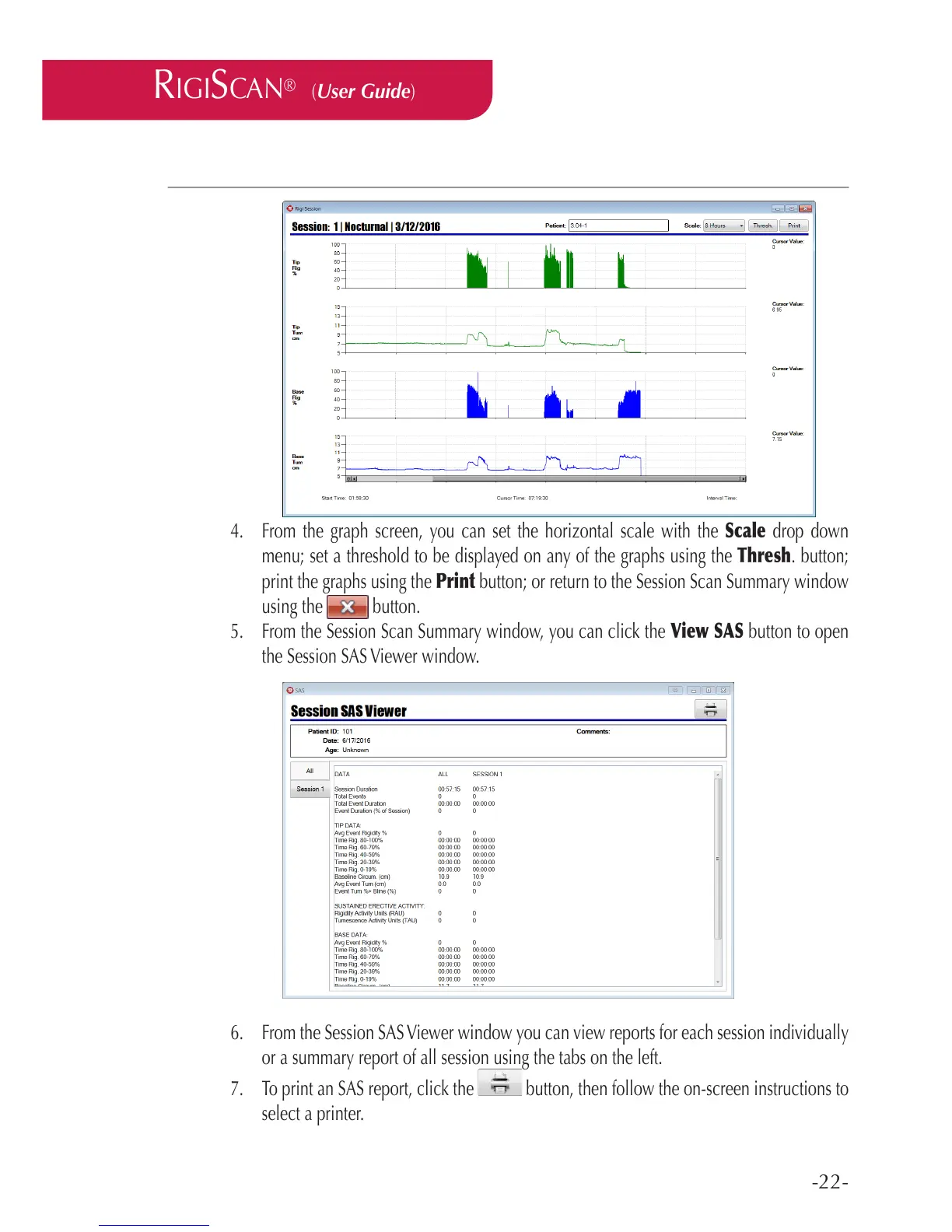
4. From the graph screen, you can set the horizontal scale with the Scale drop down
menu; set a threshold to be displayed on any of the graphs using the Thresh. button;
print the graphs using the Print button; or return to the Session Scan Summary window
using the button.
5. From the Session Scan Summary window, you can click the View SAS button to open
the Session SAS Viewer window.
6. From the Session SAS Viewer window you can view reports for each session individually
or a summary report of all session using the tabs on the left.
7. To print an SAS report, click the button, then follow the on-screen instructions to
select a printer.



 To Next Page