765041938 Rev. 002 17
User interface to the unit (touchscreen)
All operating functions are performed by touching the respective buttons displayed on the
touchscreen, for example changing values and starting and stopping programs. In connection
with this, the function is "touch and release", which in other words is that the controls react to
being touched once you let go of the keyboard.
When the unit is connected with the lighting mains, and the main breaker switched on, then
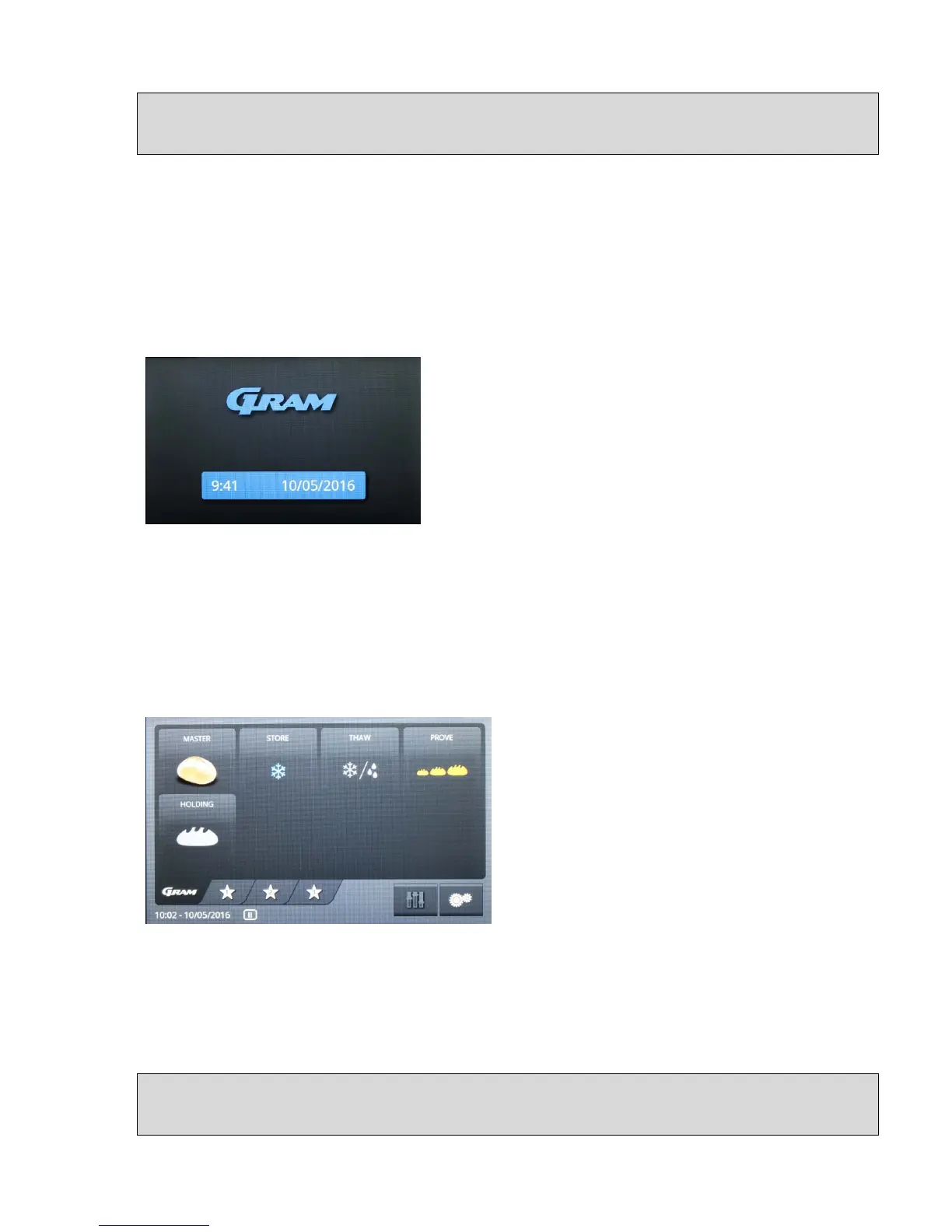
the standby display is shown on the screen: (fig. 1). The Gram logo and the unit type "GA
950" as well as the date and time are shown on a field with a blue background. Please check
that the correct date and time are displayed.
Fig. 1
If the date, time or selected language are not displayed correctly (date format), go to the
section entitled "Settings for the unit: date, time and language" (see below) in order to
change the settings.
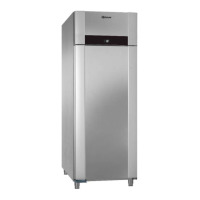
When the display is touched, the controls change from standby to the first on-screen menu
(fig. 2):
Fig. 2
This menu is the start menu for all further functionality. If the unit is in the process of running
an active program, and you do not touch the screen for 30 minutes, then the controls will
switch back to the standby display (fig. 1)
Settings for the unit: date, time and language


 To Next Page