TOOLS
FILEMANAGER
FileManager allows users to delete, move, copy/paste, send and rename files(including files on
storage device like in USB flash drive and SD card), and query file properties on the GXV3275 .
COPY FILE
To copy the file from the GXV3275 to USB/SD storage device:
1. Insert USB storage device into USB port on the GXV3275, It will take a few seconds for the
GXV3275 to prepare the connection. Then the USB storage icon will show on the status bar;
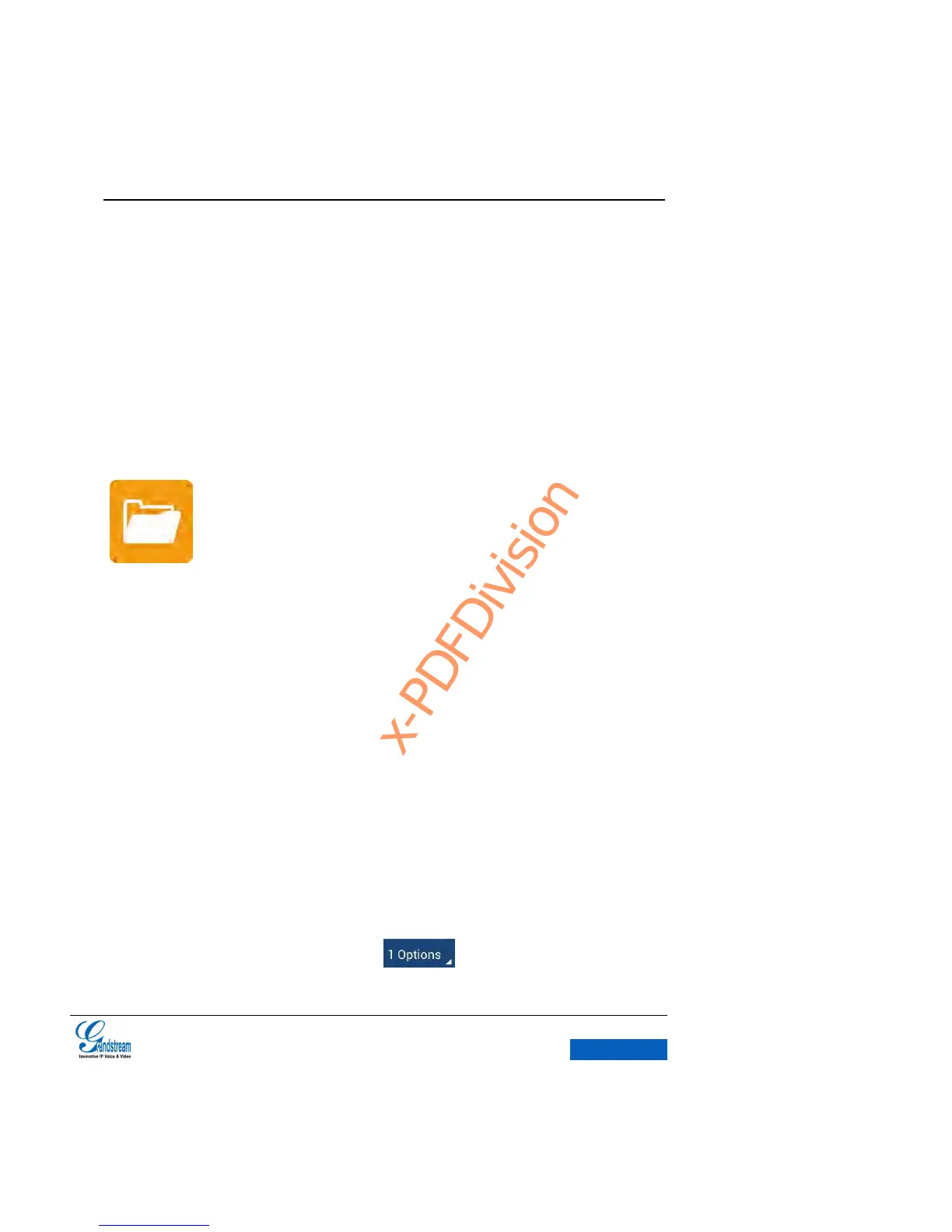
2. Press the Main Menu button then tap on FileManager icon;
3. Find the file you would like to copy and long press it to access the editing page as shown in
figure 78. Click to check the file or tap on on the upper left to make selection.


 To Next Page
 Loading...