5-8
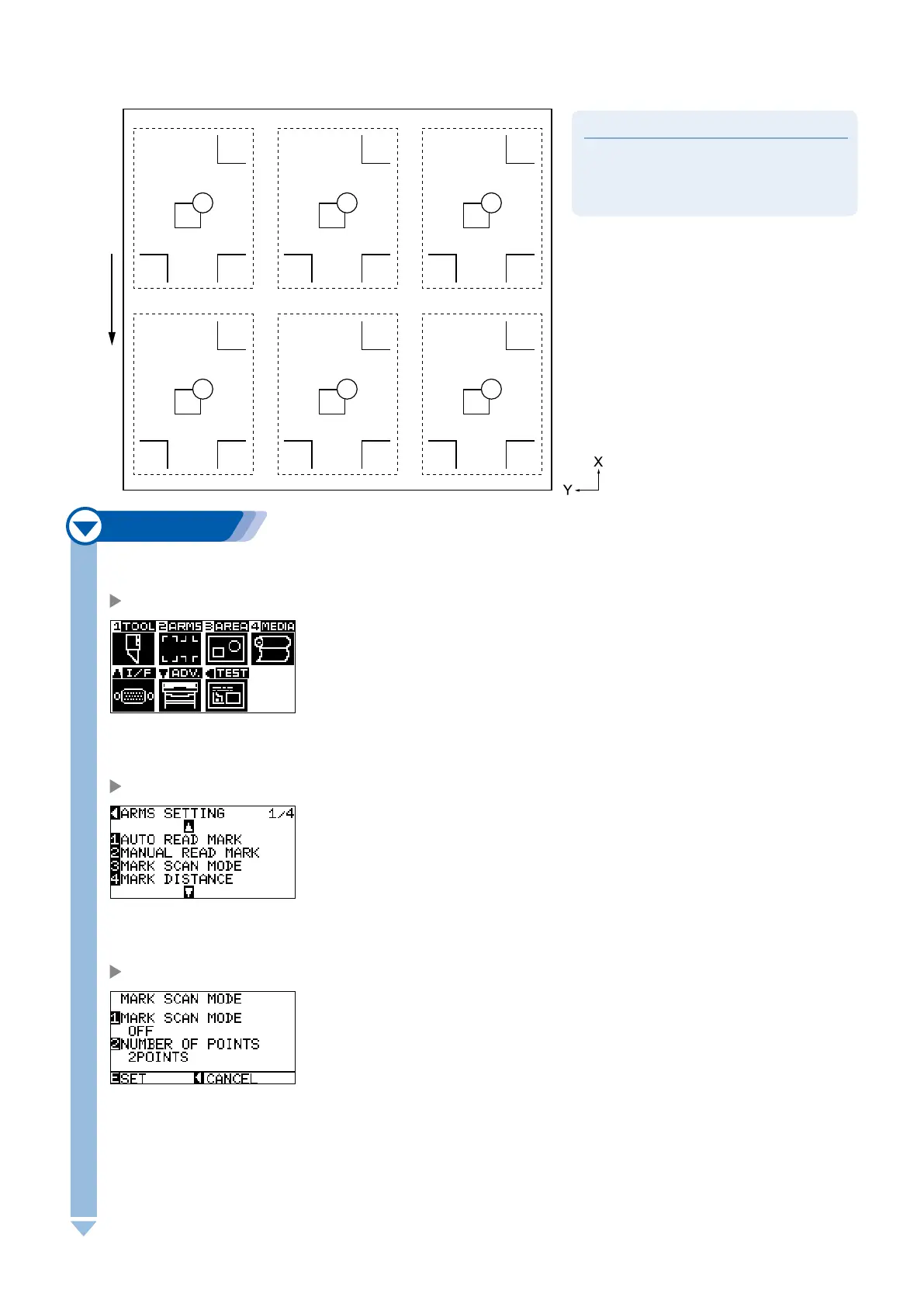
Alignment registration mark
A function to continuously cut the print with same design aligned, using a plugin for the Illustrator. It is
appropriate for cutting multiple numbers of stickers or similar.
Supplement
It cannot be set on the plotter.
Setting is enabled only from supported
applications.
l
l
Feed direction of media
Next page
1
Press the [MENU] key.
MENU screen is displayed.
2
Press the [2] key (ARMS).
ARMS SETTING screen (1/4) is displayed.
3
Press the [3] key (MARK SCAN MODE).
MARK SCAN MODE screen is displayed.










 To Next Page