3-10
3
-
3-11
Setting the Cutting Direction
4
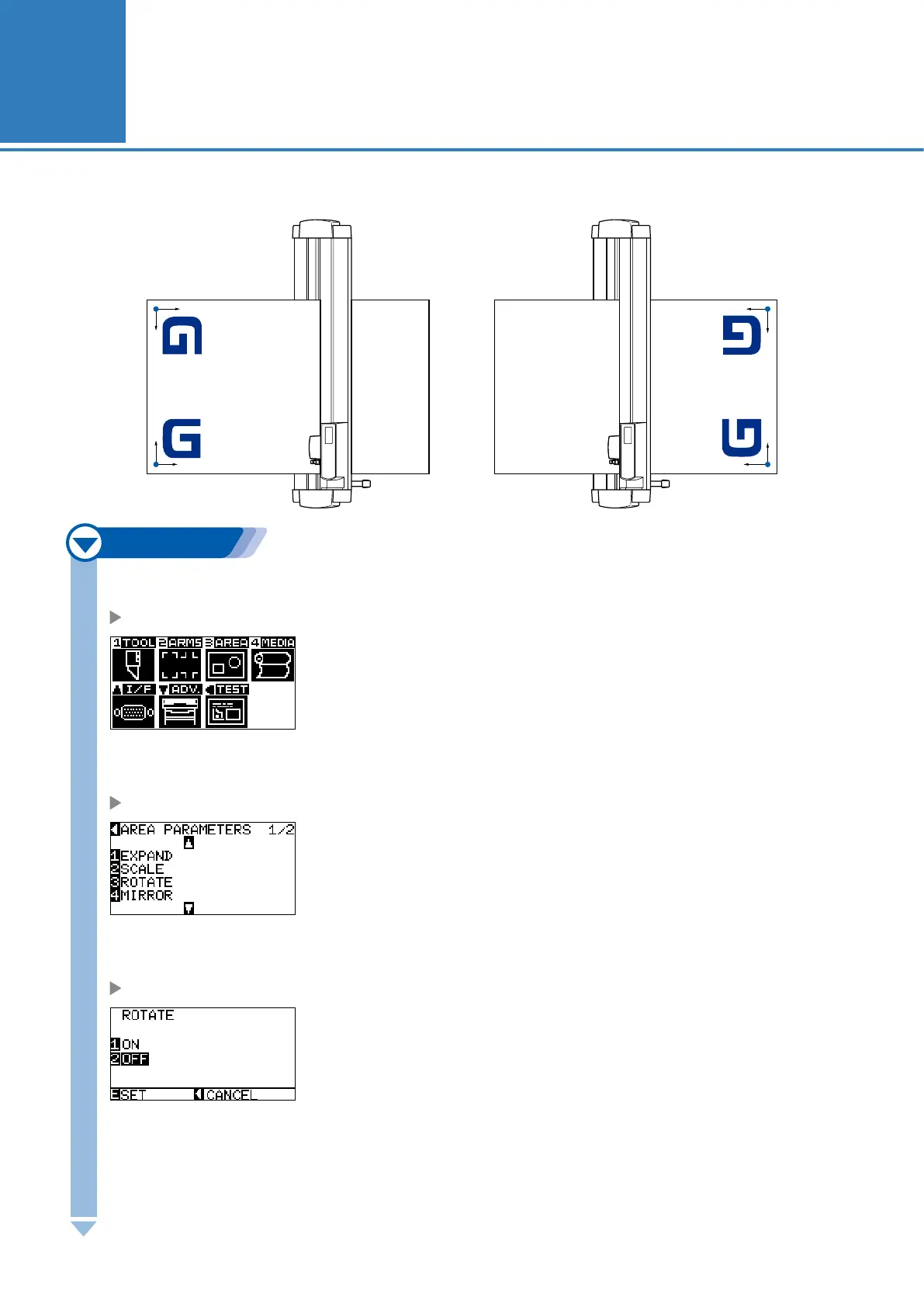
Rotate the coordinate axes to change the cutting direction.
<For rear loading/sheet> <For front loading>
Y
X
Y
X
Coordinate axes rotation settings on
Coordinate axes rotation settings off
X
Y
X
Coordinate axes rotation settings on
Coordinate axes rotation settings off
Y
Next page
1
Press the [MENU] key.
MENU screen is displayed.
2
Press the [3] key (AREA).
AREA PARAMETERS setting screen (1/2) is displayed.
3
Press the [3] key (ROTATE).
ROTATE screen is displayed.
4
Press the [1] key (ON) or the [2] key (OFF).










 To Next Page