7-22
4
Press the [4] key (PAPER-WEIGHT).
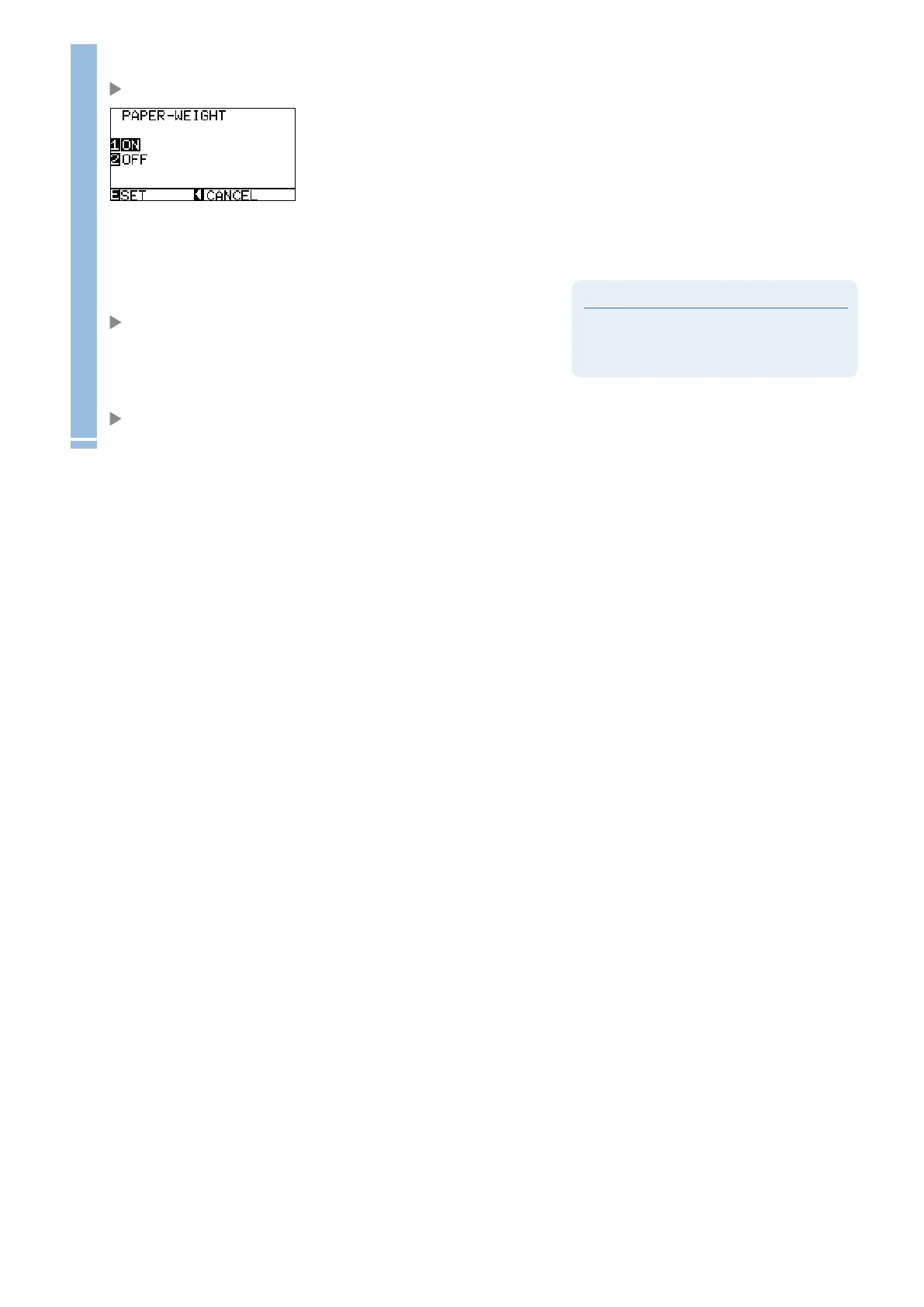
PAPER-WEIGHT setting screen is displayed.
5
Press the [1] key (ON) or the [2] key (OFF),
Supplement
It will return to ARMS SETTING screen (3/4)
without changing the settings when you press the
POSITION (
◄
) key (CANCEL).
6
Confirm the setting and press the [ENTER] key (SET).
Setting will be set, and it will return to ARMS SETTING screen (3/4).
7
Press the [MENU] key.
It will return to default screen.










 To Next Page