Output Monitoring
Planning and Installation Manual 141
Setting the Output Monitor Address
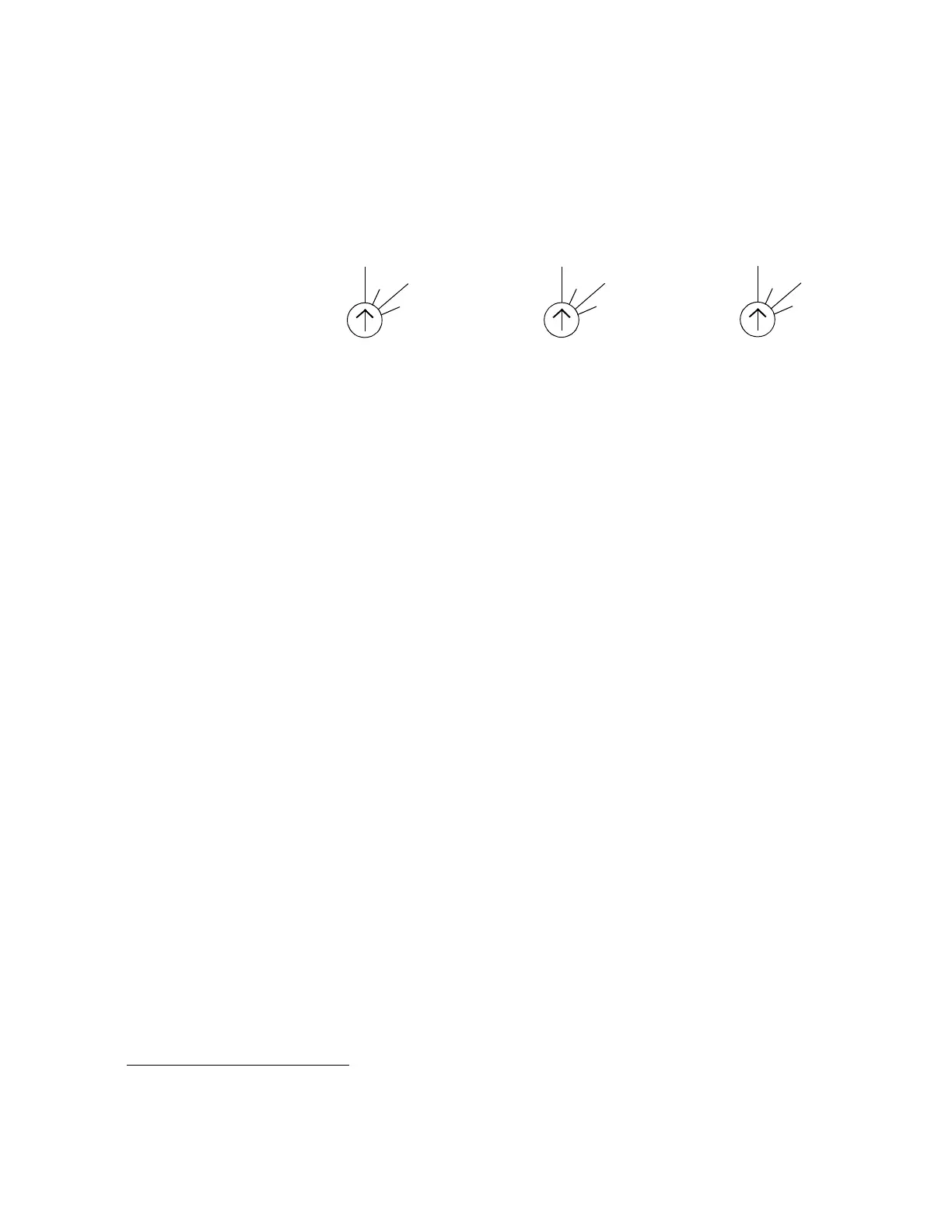
Figure 76. Output Monitor Address Switches
Note On all the rotary switches, use the triangular arrowhead for pointing (not
the screwdriver slot).
Note Some units in the field may have incorrect labels on these switches. The
labels shown in Figure 76 are correct.
The “Monitor” rotary switch on the back panel is used to set the control
address for the available monitor outputs. For example, with a 128 x 128
switcher equipped with redundant NR-33000 boards, the quality
control monitor could be connected to output monitor connector “1”
and the monitor switch set to “128”; the control system would then
select Output 129* for monitoring purposes. See Table 25 on page 142.
If the router has been output-expanded (as described on page 144), then
each Monitor switch would be set to the highest output number for the
system. For example, if a DV-33128 has been output-expanded to 128 x
256, the Monitor switch would be set to “256” on both chassis.
The second BNC connector of each pair provides an inverted output
signal.
128
256
384
512
DV-33128 CHASSIS
256
512
768
1024
DV-33256 CHASSIS
512
1024
1536
2048
DV-33512 CHASSIS
MONITOR MONITOR MONITOR
*For Jupiter-controlled (0-based) systems, subtract one (1) from these numbers.


 To Next Page
 Loading...