19
DE
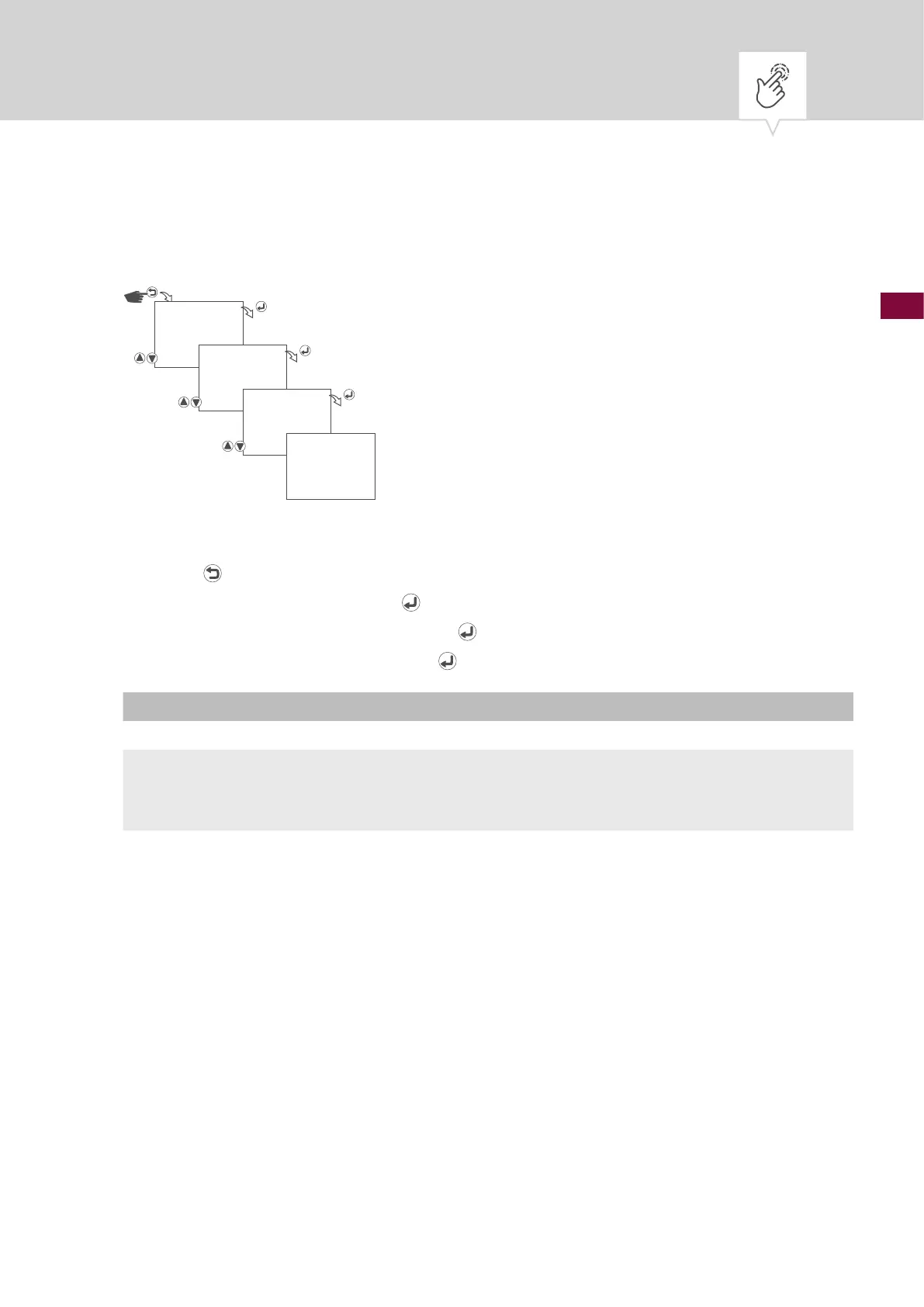
Zeitformat einstellen
Abb. 7: Zeitformat einstellen
1. Taste drücken.
2.
CLOCK wählen und mit der Taste bestätigen.
3.
TIME FORMAT wählen und mit der Taste bestätigen.
4. Zeitformat auswählen und mit der Taste
bestätigen.
Einstellung Auswirkung
24 Stunden Die Uhrzeit wird im 24-Stunden-Format angezeigt.
AM/PM Die Uhrzeit wird im 12-Stunden-Format angezeigt.
• AM = Vormittag
• PM = Nachmittag
5. Die Einstellungen werden übernommen.
CLOCK
TIME FORMAT
AM/PM
SAVED











 To Next Page