76
EN
Setting the location information
The location information is required by the Astro function. Once the location has been specied, the
programs can adjust to sunrise and sunset at the location in question. The location information can be set
using the desired country and a city. Alternatively, the exact location coordinates may also be used. The
last entered setting has the top priority.
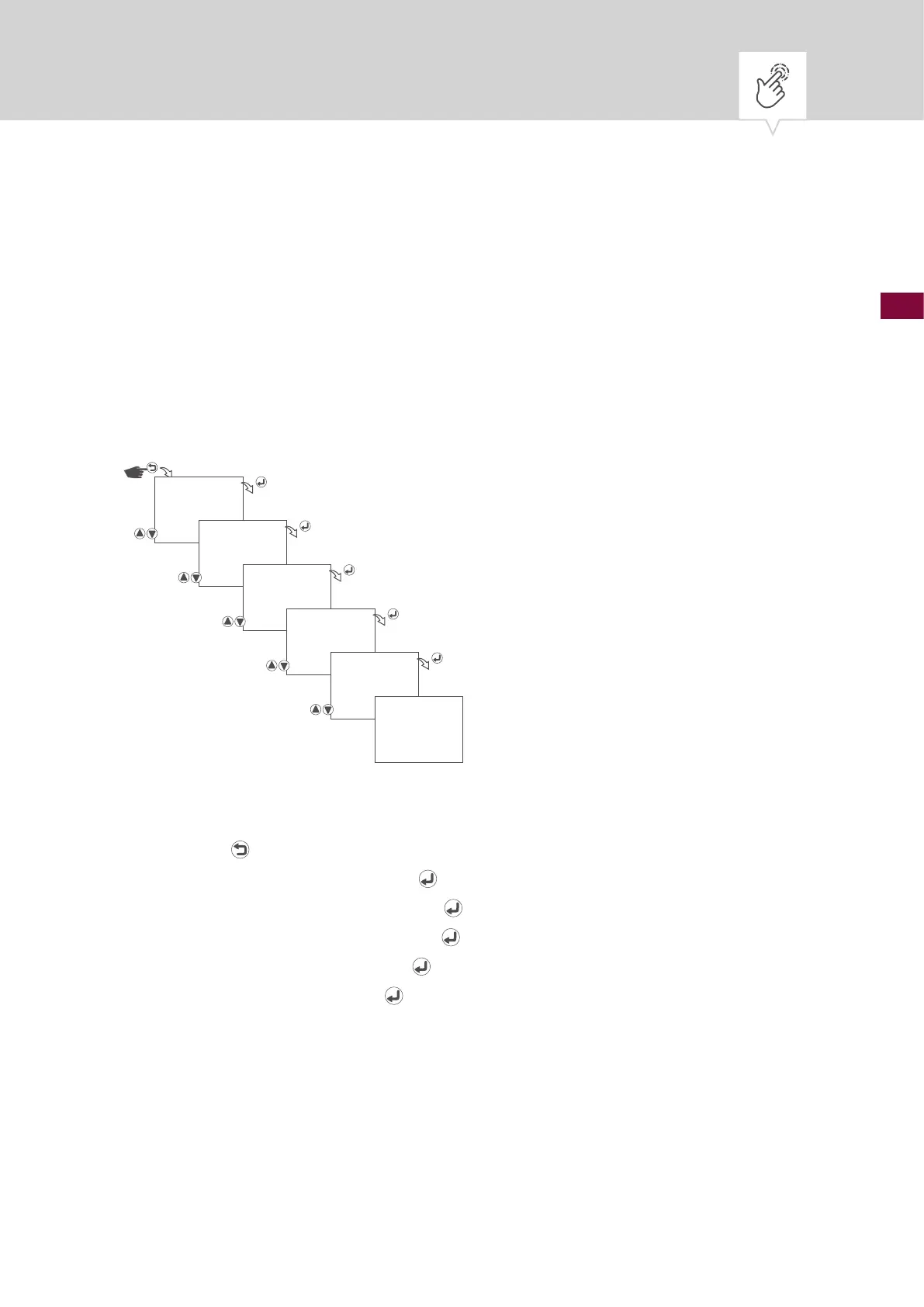
Setting the country and city
Fig. 10: Setting the country and city
1. Press the button.
2. Select
CLOCK and conrm with the button.
3. Select
LOCATION and conrm with the button.
4. Select
COUNTRY and conrm with the button.
5. Select country and conrm with the
button.
6. Select city and conrm with the
button.
7. The settings will be adopted.
CLOCK
LOCATION
COUNTRY
GERMANY
BERLIN
SAVED











 To Next Page