75
EN
Setting the rst day of the week
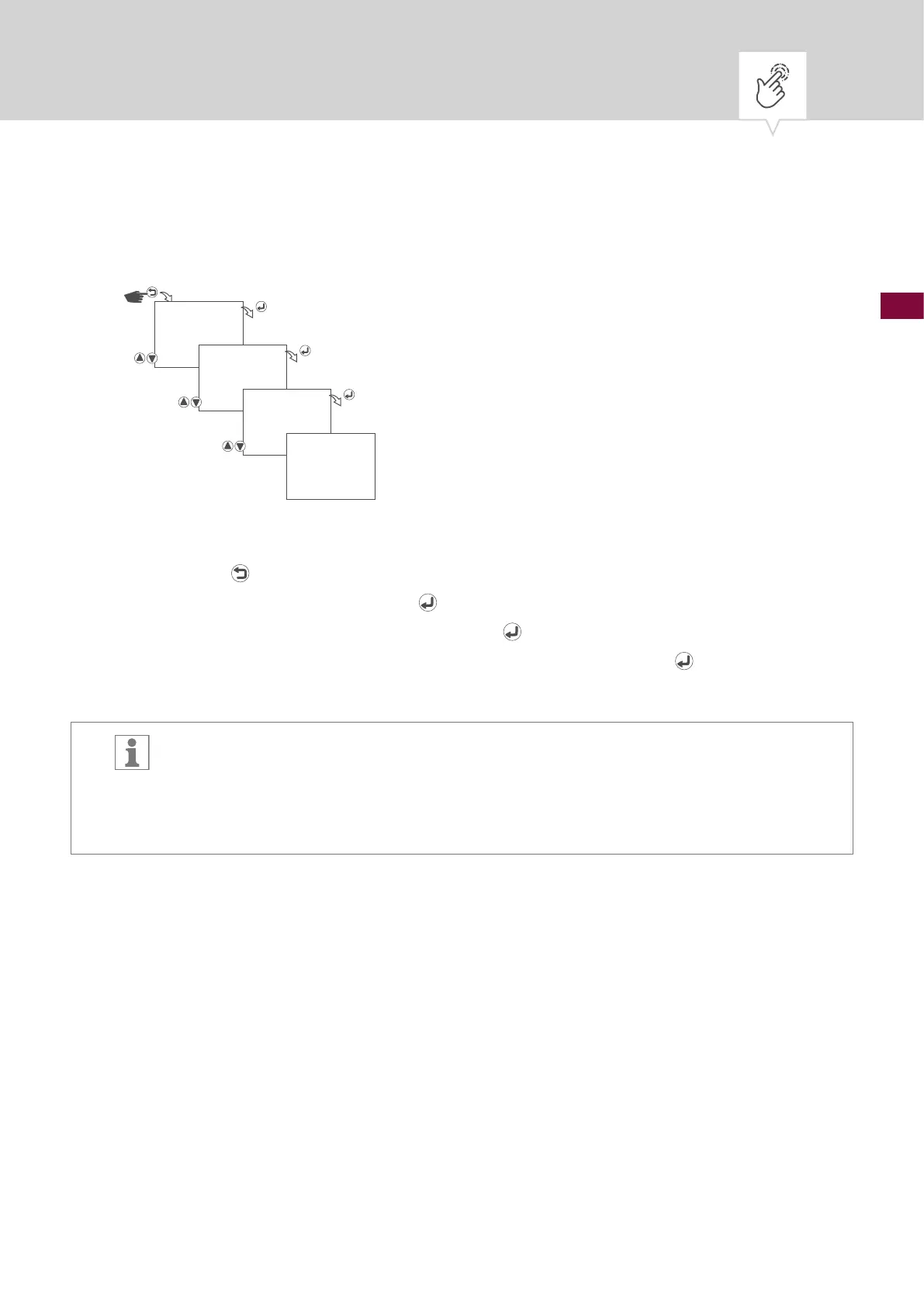
Fig. 9: Setting the rst day of the week
1. Press the button.
2. Select
CLOCK and conrm with the button.
3. Select
WEEK START DAY and conrm with the button.
4. Select the rst day of the week (Saturday to Sunday) and conrm with the
button.
5. The settings will be adopted.
Selecting the day of the week
Example:
− 1st day = Sunday... 1 – 5 = Sun – Thu
− 1st day = Monday... 1 – 5 = Mon – Fri
CLOCK
WEEK START DAY
SUNDAY
SAVED











 To Next Page