79
EN
Selecting summer/winter time
The summer/winter time (summer time = DST – Daylight Saving Time) can be automatically calculated in
accordance with the following possible settings. The last entered setting has the top priority.
In order to prevent accidental adjustments when changing the day, the time adjustment
range is locked from 9.01 PM - 11.59 PM.
No summer time
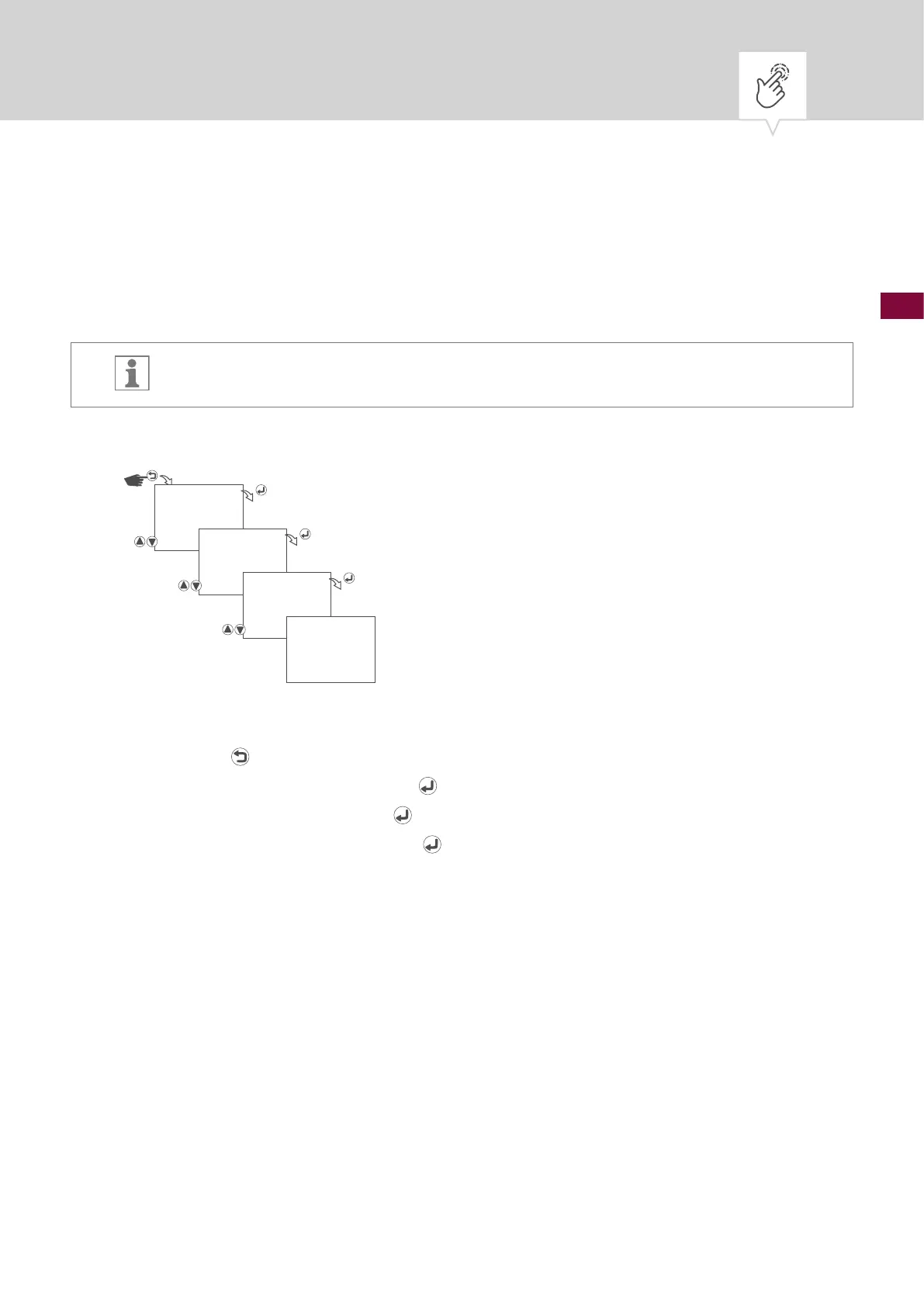
Fig. 13: No summer time
1. Press the button.
2. Select
CLOCK and conrm with the button.
3. Select
DST and conrm with the button.
4. Select
NO DST and conrm with the button.
5. The settings will be adopted.
CLOCK
DST
NO DST
SAVED











 To Next Page