92
EN
Device information
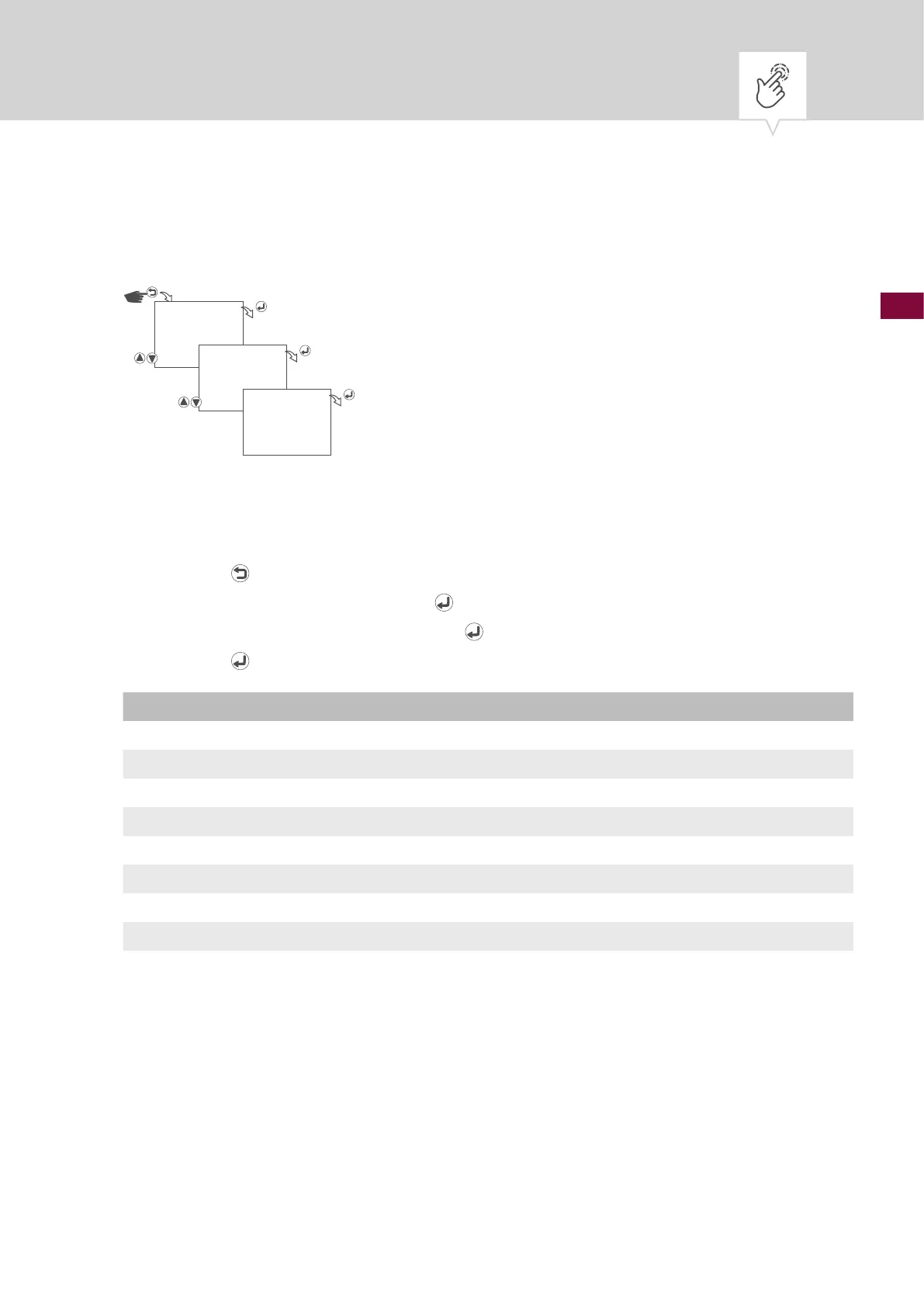
Fig. 26: Device information
1. Press the button.
2. Select
OPTIONS and conrm with the button.
3. Select
DEVICE INFO and conrm with the button.
4. Press the
button to go to the next device information.
Info Description
TALENTO EASY C1 XXXX Device name, XXXX = firmware version
MANUFACTURE ON Date of manufacture (date on which the firmware was installed on the device)
ON BATTERY HRS Total time since manufacture that the device has been running in battery mode
ON MAINS HRS Total time since manufacture that the device has been connected to the mains
FIRST MAINS Date and time on which the device was connected for the first time after manufacture
TEMPERATURE Temperature in device
RTC.CONST Manufacturer-specific information
RL X.XX.XX Manufacturer-specific specification
LAST EDIT DATE Date and time on which the date and time were last set
OPTIONS
DEVICE INFO
…











 To Next Page