89
EN
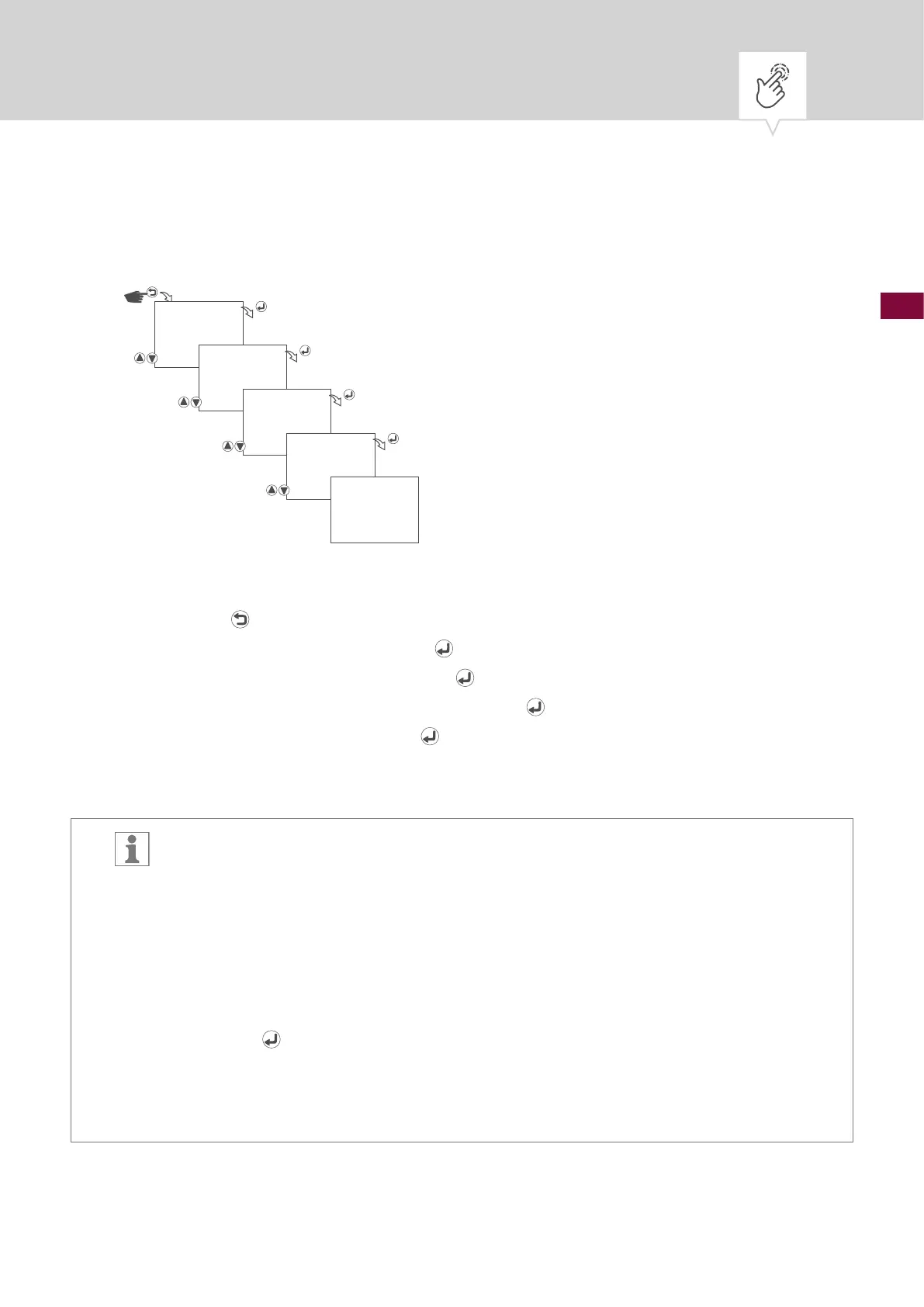
Setting a password
Fig. 24: Setting a password
1. Press the button.
2. Select
OPTIONS and conrm with the button.
3. Select
PASSWORD and conrm with the button.
4. Select
PASSWORD ENABLE and conrm with the button.
5. Enter password and conrm with the
button.
6. The settings will be adopted.
A four-digit numerical code can be entered as a password.
After the password has been conrmed, the clock timer will then be protected by it. The
menu can only be accessed by entering the password correctly.
The clock timer will be automatically password-protected once more 40 seconds after the
last button press.
Disabling password protection:
After entering the correct password in the password menu, select
DISABLE and conrm
with the
button.
Forgotten your password?
Master password for activation available from:
Technical Support: +49 7724 933 500 or via email: support@graesslin.de
OPTIONS
PASSWORD
ENABLE/DISABLE
PASSWORD
1234
SAVED











 To Next Page