72
EN
Setting the date and time
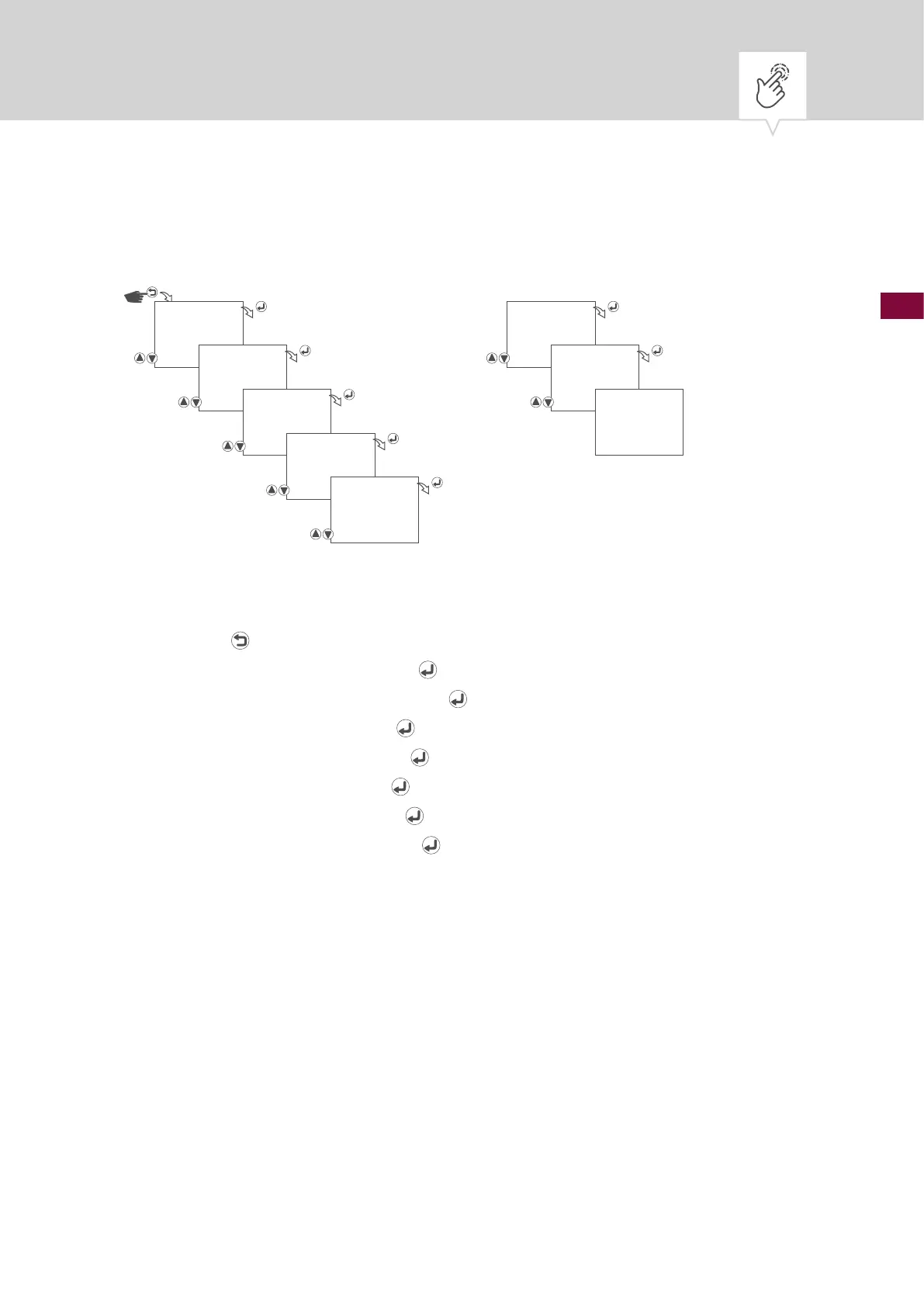
Fig. 6: Setting the date and time
1. Press the button.
2. Select
CLOCK and conrm with the button.
3. Select
DATE/TIME and conrm with the button.
4. Set the year and conrm with the
button.
5. Set the month and conrm with the
button.
6. Set the day and conrm with the
button.
7. Set the hours and conrm with the
button.
8. Set the minutes and conrm with the
button.
9. The settings will be adopted.
CLOCK HOUR
21:48
DATE/TIME MINUTE
21:48
YEAR
21.10.12
SAVED
MONTH
21.10.12
DAY
21.10.12











 To Next Page