90
EN
Restoring to factory settings
All settings, apart from the date and time, will be restored to the original factory settings.
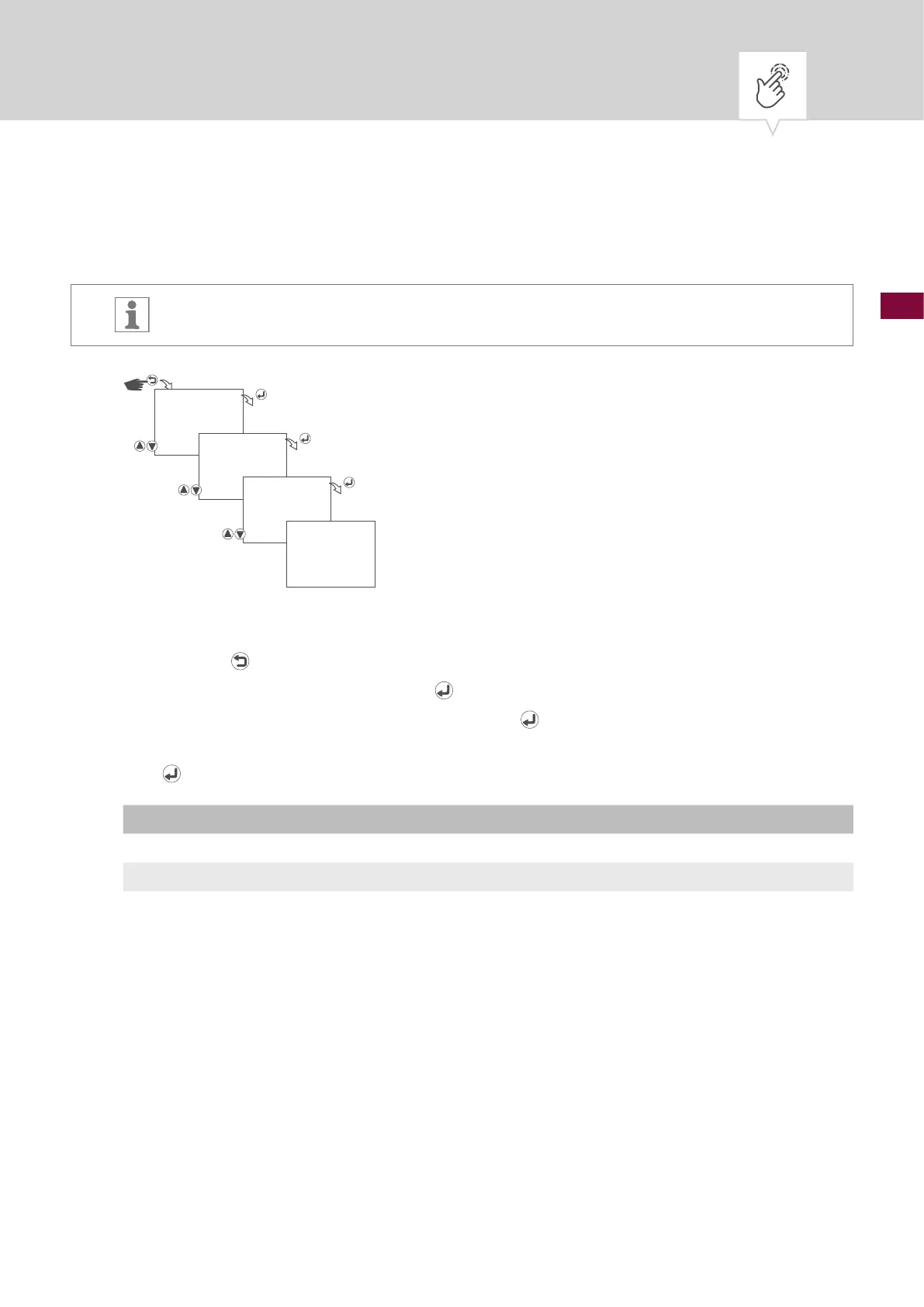
Fig. 25: Restoring to factory settings
1. Press the button.
2. Select
OPTIONS and conrm with the button.
3. Select
FACTORY RESTORE and conrm with the button.
4. Select whether or not the clock timer is to be restored to the factory settings and conrm with the
button.
Setting Effect
NO Cancel – restoring to factory settings is not started.
YES The clock timer is reset to the factory settings.
5. The corresponding action is carried out and displayed.
OPTIONS
FACTORY
RESTORE
RESTORE ?
NO/YES
DONE











 To Next Page