73
EN
Setting the time format
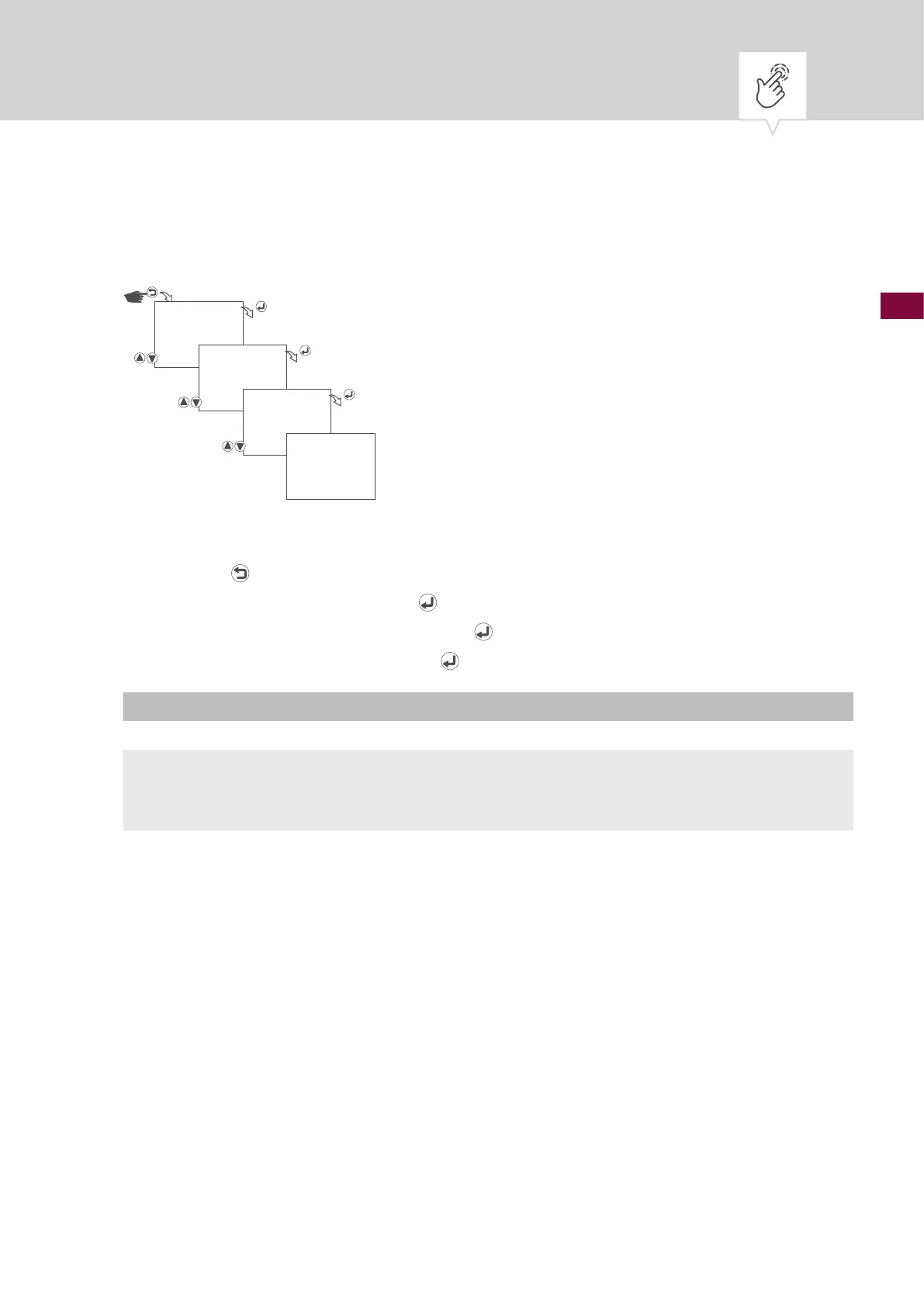
Fig. 7: Setting the time format
1. Press the button.
2. Select
CLOCK and conrm with the button.
3. Select
TIME FORMAT and conrm with the button.
4. Select time format and conrm with the
button.
Setting Effect
24 hours The time is displayed in a 24-hour format.
AM/PM The time is displayed in a 12-hour format.
• AM = morning
• PM = afternoon
5. The settings will be adopted.
CLOCK
TIME FORMAT
AM/PM
SAVED











 To Next Page