77
EN
Setting the location coordinates
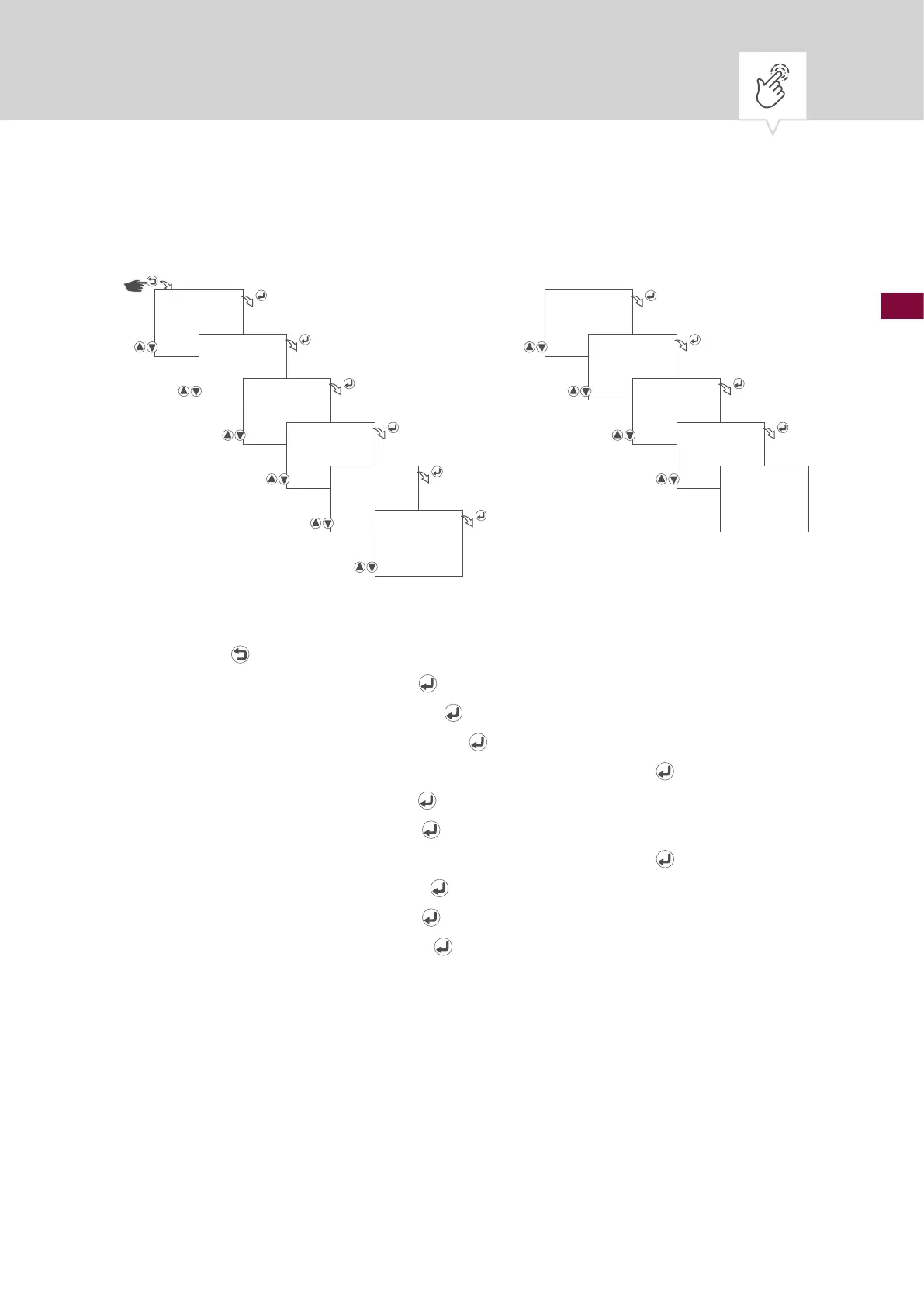
Fig. 11: Setting the location coordinates
1. Press the button.
2. Select
CLOCK and conrm with the button.
3. Select
LOCATION and conrm with the button.
4. Select
COORDINATE and conrm with the button.
5. Select the direction (north or south) of the latitude and conrm with the
button.
6. Set the latitude and conrm with the
button.
7. Set the minutes and conrm with the
button.
8. Select the direction (east or west) of the longitude and conrm with the
button.
9. Set the longitude and conrm with the
button.
10. Set the minutes and conrm with the
button.
11. Set the time zone and conrm with the
button.
12. The settings will be adopted.
CLOCK
LOCATION
COORDINATE
SIGN LATITUDE
S
DEGREE
LATITUDE
18
37
MINUTE
LATITUDE
18
37
SIGN LONGITUDE
E
DEGREE
LONGITUDE
173
49
MINUTE
LONGITUDE
173
49
TIME ZONE
5
30
SAVED











 To Next Page