Hermiankatu 6-8G, 33720 Tampere, Finland
©2019 Grundium. All rights reserved.
8 LOG IN TO THE SCANNER
8.1 LOG IN TO THE SCANNER WITH INTERNET CONNECTION
This connection method works when the power button light is green or yellow.
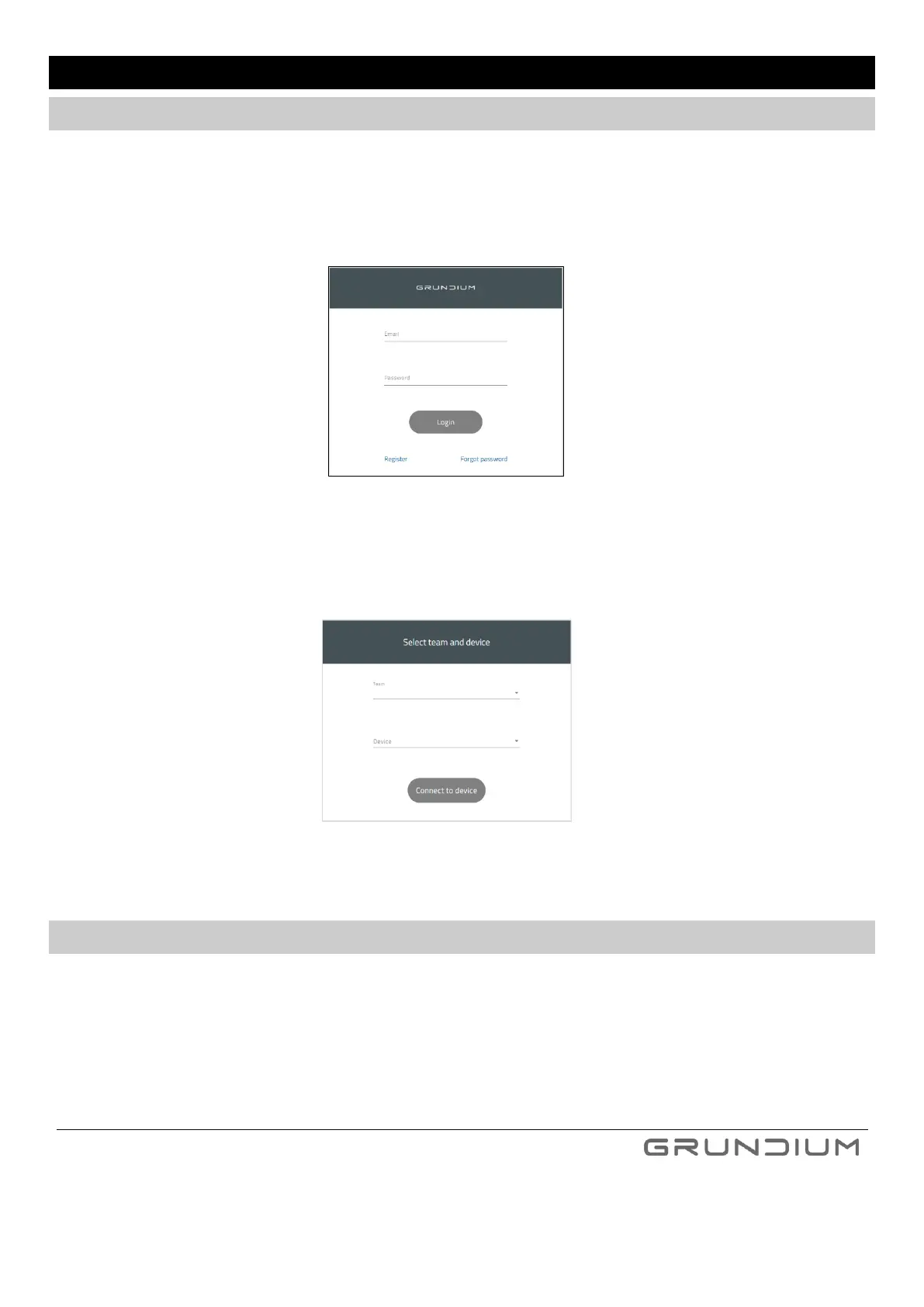
1. Open the browser in your computer or tablet and type https://www.grundium.net
2. Type your e-mail address and password and press Login.
3. Select your team and the scanner you want to use, and press Connect to device.
8.2 LOG IN TO THE SCANNER WITH DIRECT WLAN CONNECTION
To enable the WLAN direct mode, the scanner must be powered on without access to network. In this case,
the scanner will activate its WLAN access point after 30 seconds. Power button light is blue when WLAN access
point is active.
1. Open the WLAN settings from your computer or tablet and connect to WLAN access point provided by the
scanner (WLAN name/SSID and password can be found from the sticker on the bottom of the device or
quick guide, see Image 4).


 To Next Page