Hermiankatu 6-8G, 33720 Tampere, Finland
©2019 Grundium. All rights reserved.
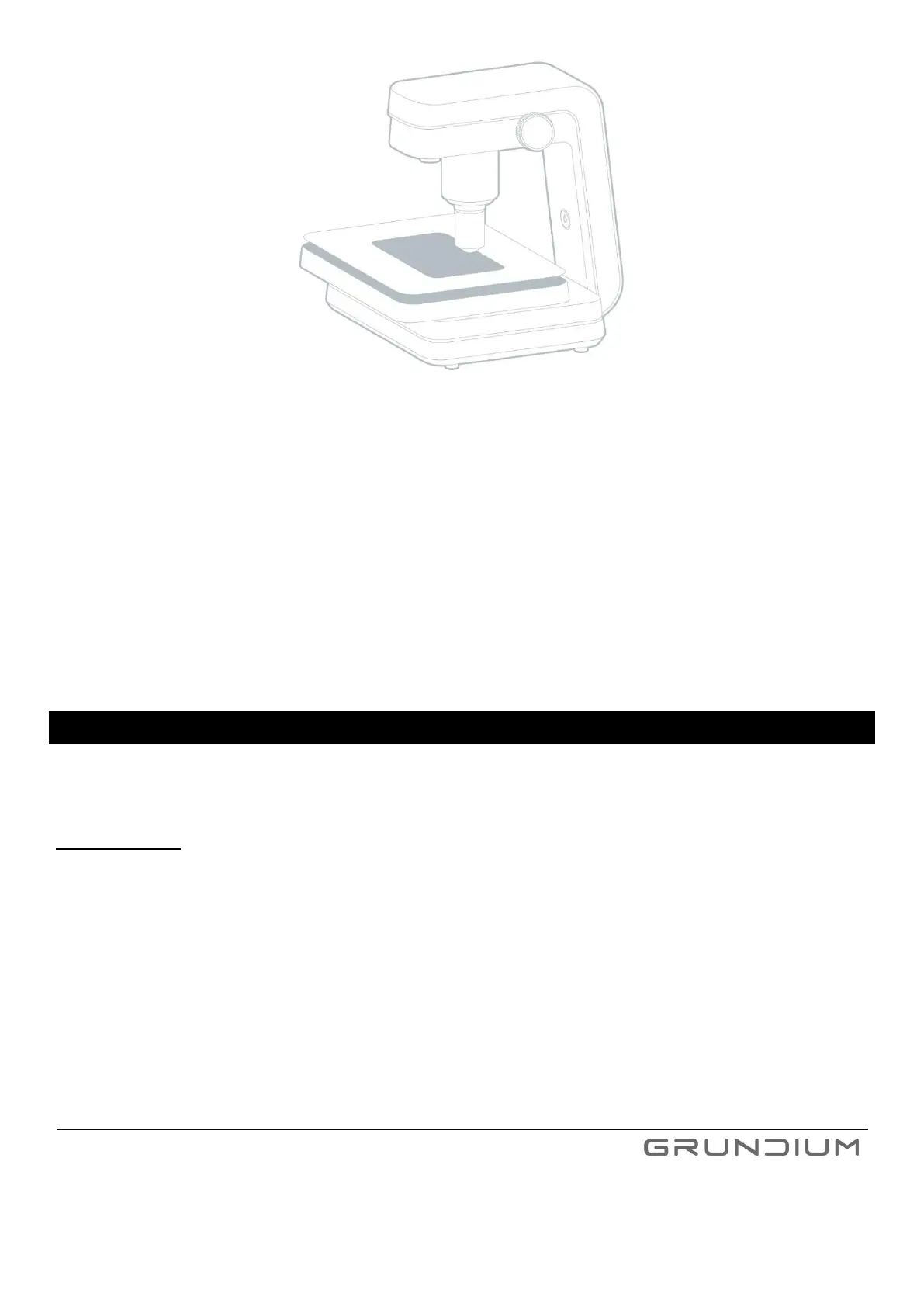
Image 20 Remove the cover plate carefully when cleaning the scanner.
5. Wipe all surfaces with a soft, damp, lint-free cloth. You can use a microscope detergent, for example
Reagena, which consists of Propan-2-ol and ammonia. (The Ocus® scanner has been tested with the
Reagena microscope detergent.)
6. Put the cover plate back.
7. Slide the topmost plate back to its normal position.
8. Connect the cables and switch the scanner on. Verify with known sample slide that
- overview camera produces good quality
- live view from microscope camera produces good quality
- scanning of known sample produces good quality
16 SCANNER SETTINGS
To enter the scanner settings view, press Settings (Image 17). All parameters under this view are scanner specific,
which means that they are applied for each user of the scanner. These parameters include at least network settings,
file naming, time zone, image compression and plugins in use.
Important notice: If there are several users for the scanner, please make sure that the settings, including plugins,
are set correctly for your use case every time you start using the device.


 To Next Page