Hermiankatu 6-8G, 33720 Tampere, Finland
©2019 Grundium. All rights reserved.
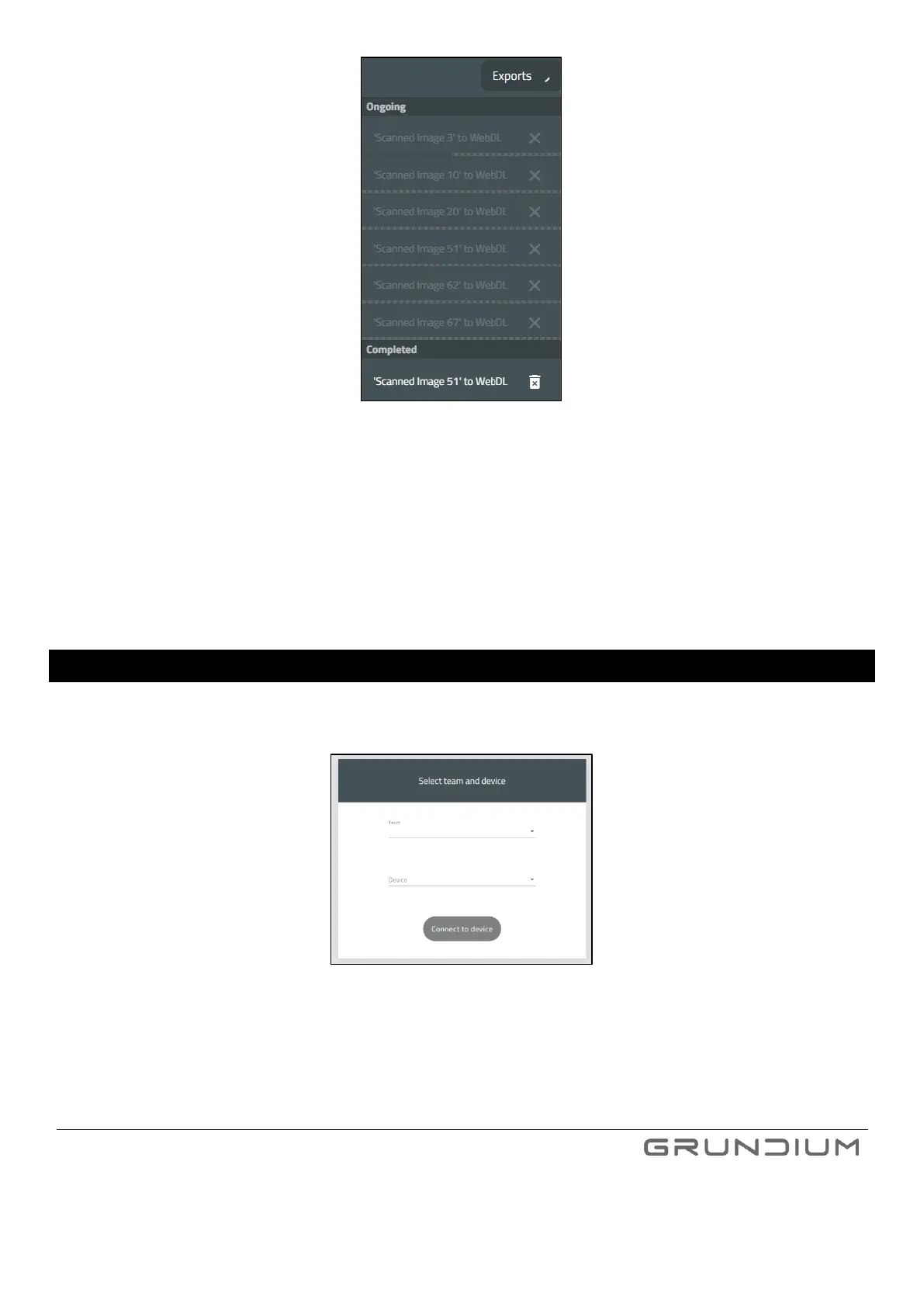
Image 18 Ongoing and completed exports.
Note: Some export destinations are enabled by plugins and are not available before they are enabled from plugin
settings.
Note: Time of the exported USB files is always in UTC time zone. Some file systems are naturally always in UTC and
hence various operating systems will display the time stamps properly in local times. Some file systems are not and
hence it is possible to see time stamps with offset to local time.
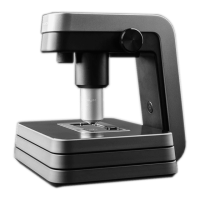
12 CHANGE SCANNERS
If you have several scanners available and want to switch between them, press the scanner name at the top of the
display and select another scanner.


 To Next Page