Hermiankatu 6-8G, 33720 Tampere, Finland
©2019 Grundium. All rights reserved.
2. Open the browser in your computer or tablet and type http://www.grundium.net
3. Type your e-mail address and password and press Login (Image 5).
9 START SCANNING
Important notice: Both in local and remote use, remember to keep at least 10 centimetres (4 inches) free space
around the scanner. Make sure that nobody touches the scanner when the stage is moving.
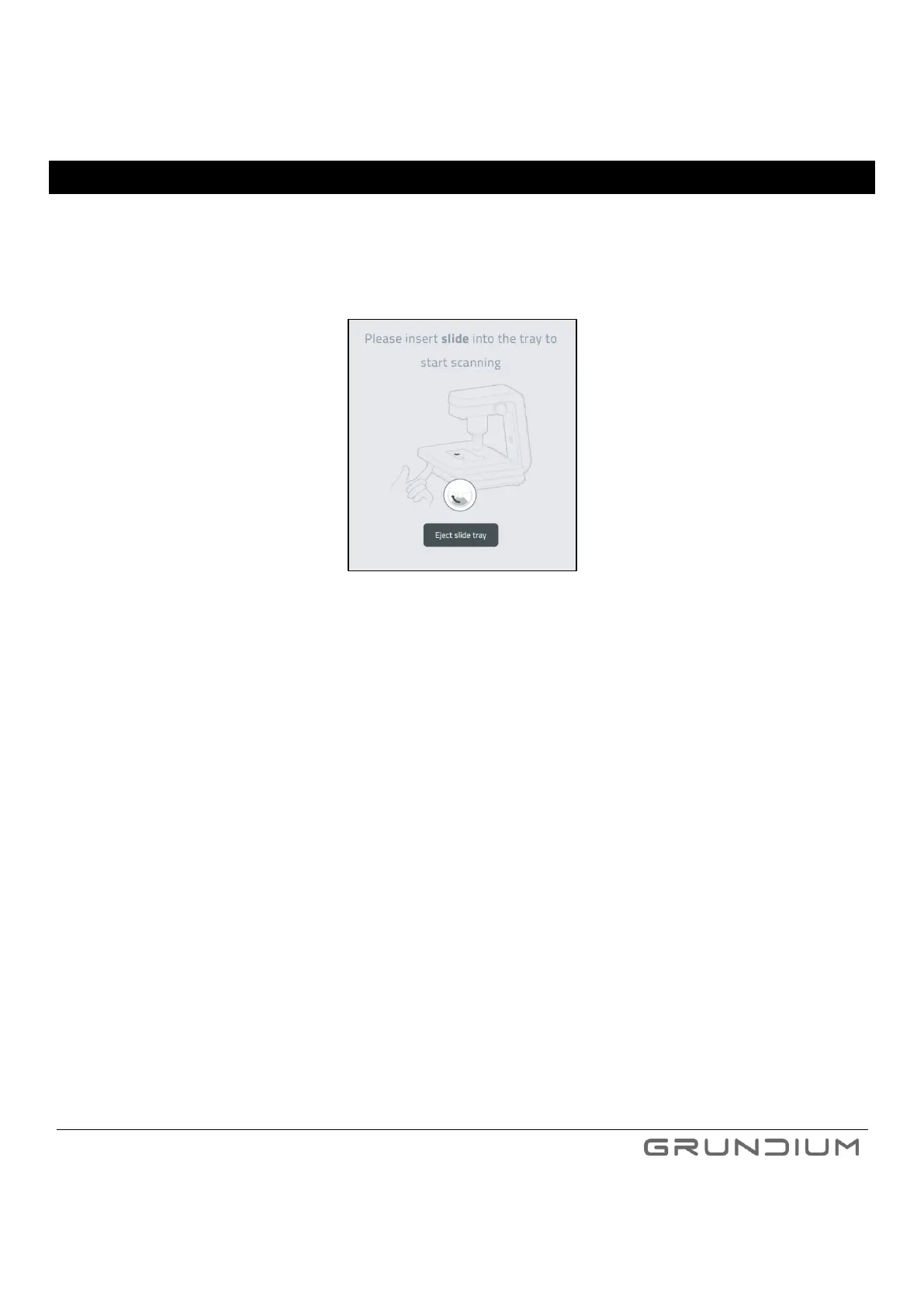
1. On your computer or tablet, press Eject slide tray.
Image 7 For inserting a slide into scanner click Eject slide tray.
2. Push the lever underneath the cover plate left to open the slide holder (Image 8).


 To Next Page