Hermiankatu 6-8G, 33720 Tampere, Finland
©2019 Grundium. All rights reserved.
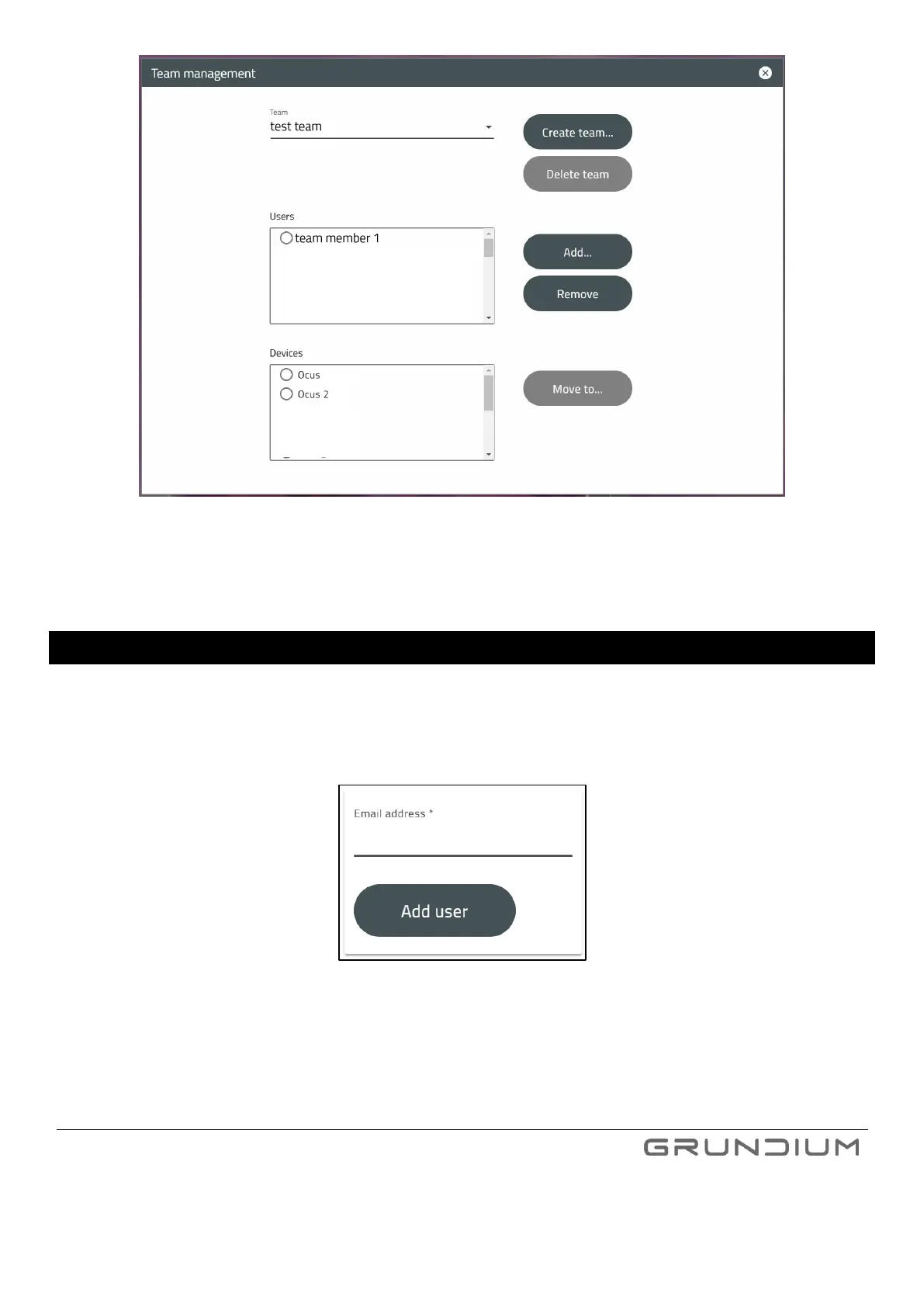
Image 24 Select users and devices for the team.
4. Close the menu when you are ready.
18 ADD NEW TEAM MEMBERS
1. Select Team management from the menu under your name in up right of the screen (Image 22).
2. Add users to the team by clicking Add. Required information of a user is an e-mail address. Select a device or
devices for the user from the menu. All available devices should appear in the menu.
Image 25 E-mail address of a new team member is required when adding new users.
3. Close the menu when you are ready.


 To Next Page