Hermiankatu 6-8G, 33720 Tampere, Finland
©2019 Grundium. All rights reserved.
10 VIEW THE IMAGES
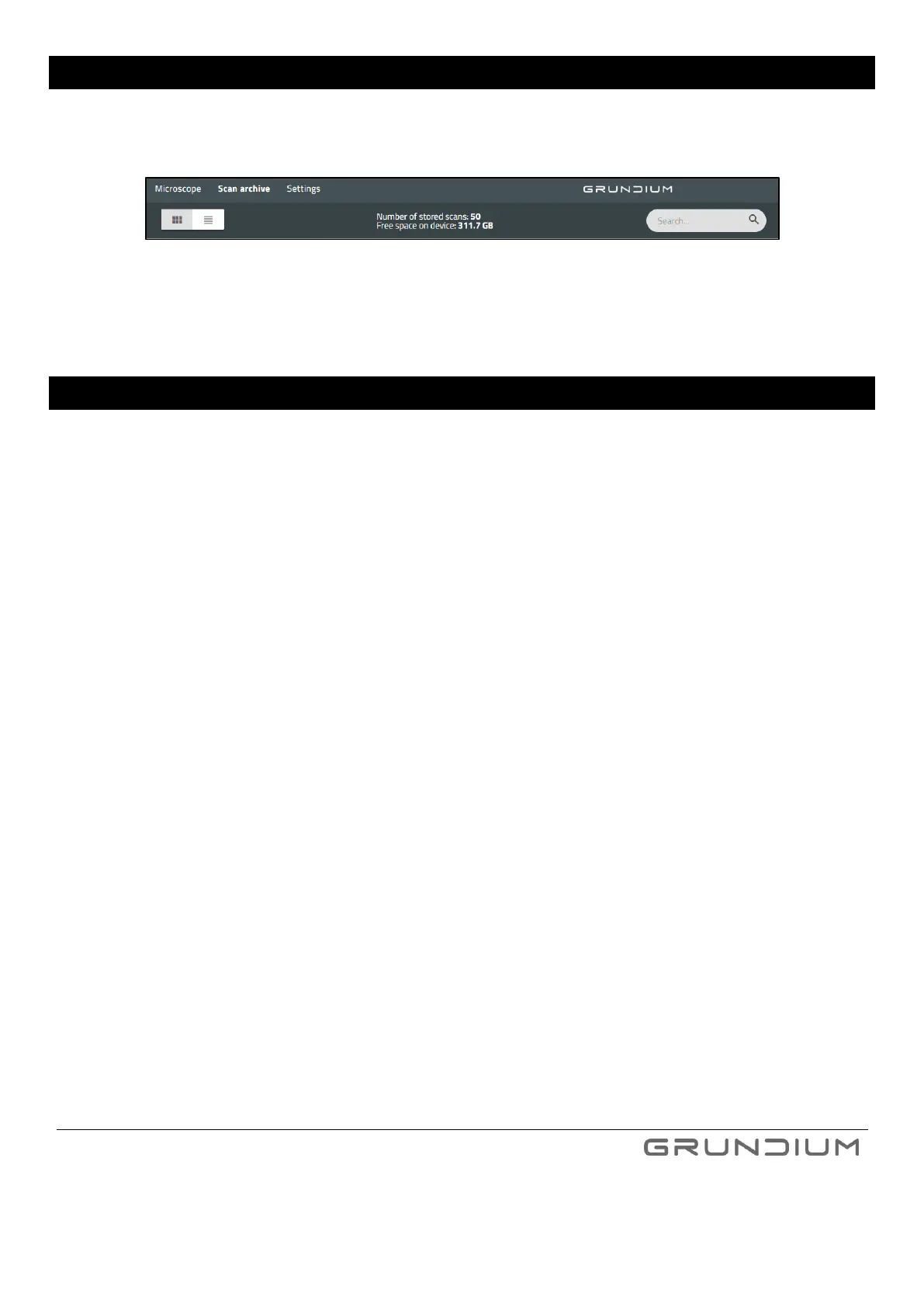
To view your saved images, press Scan archive.
Image 17 Images are saved in the scan archive.
To move back to the microscope view, press Microscope.
11 EXPORT AN IMAGE
You can export the scanned images in three ways:
1. Export from Scan Archive slide selection view. This will automatically export all scanned areas on the slides
selected
OR
2. Export from Scan Archive single slide view – you can select the scanned areas you want to export
OR
3. Export from Microscope view by using Scan&Export button. This automatically exports all scanned areas on
the slide after the scanning is completed.
Common to all these three export methods is that the export parameters, meaning destination and format, need to
be first configured by using Export recipe (Image 16). You can configure the recipe either from Microscope or Scan
Archive view.
The progress of ongoing scans can be followed from Exports list (Image 18).


 To Next Page