26
© Guldmann GB/US-02/2021 • # 550216_19
© Guldmann GB/US-02/2021 • # 550216_19
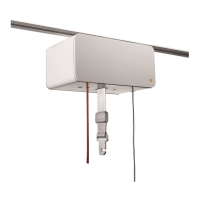
2.07 Scale module (GH3+ with integrated scale module)
The GH3+ with scale module (option) lets the helper determine the patients
weight.
Warning!
If the scale is required to comply with the Non-automatic weighing instru-
ments directive (EU Directive 2014/31/EU), a Class III scale must be used.
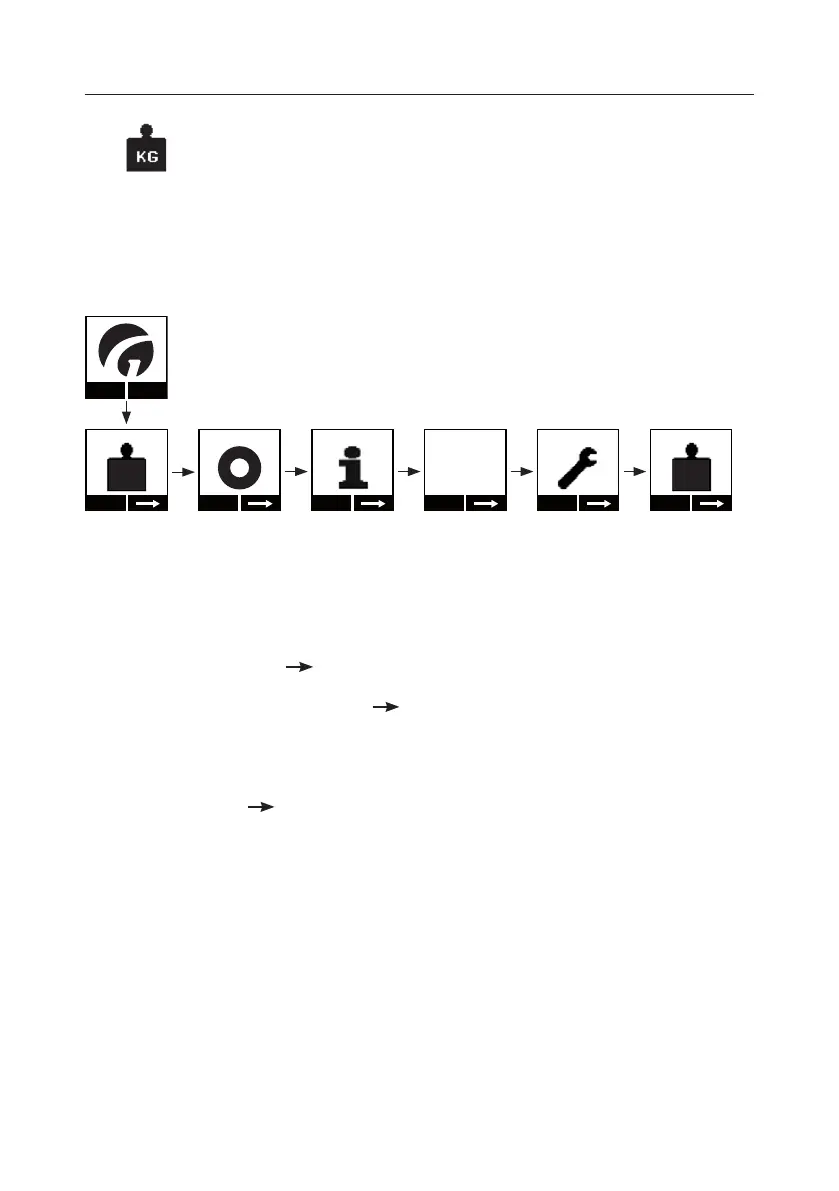
Setting the units, kg/lbs (Scale module)
Menu
Start
KG
Start
Show
2019.07.01
Setup
Change
KG
1. Press any key on the hand control to activate the hoist.
When the lifting module is activated, the display on the hand control is
switched on and the Guldmann logo “G” appears.
2. Select “Menu” using the function key located below the display
3. Then select until the “Setup” menu appears in the display.
4. Select “Setup” and then until the “Units” menu appears in the display.
5. Select “Change” to switch between the units kg and lbs, and conrm the
selection by pressing “OK”.
6. Select to return to the start menu.
7. The display in the hand control switches o automatically after use
(approx. 8 min). (See the complete menu summary, section 2.04,
Supplementary modules, GH3+)


 To Next Page