41
© Guldmann GB/US-02/2021 • # 550216_19
© Guldmann GB/US-02/2021 • # 550216_19
2.12 Service module (GH3+ with service module)
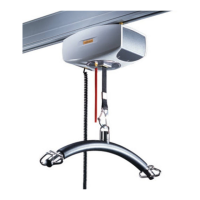
The GH3+ with Service module (option) saves all of the information about
time and indication of next safety/service inspection.
The GH3+ with Service module species the date of the next safety/service
inspection.
Operation
Menu
Start
KG
Start
Show
2019.07.01
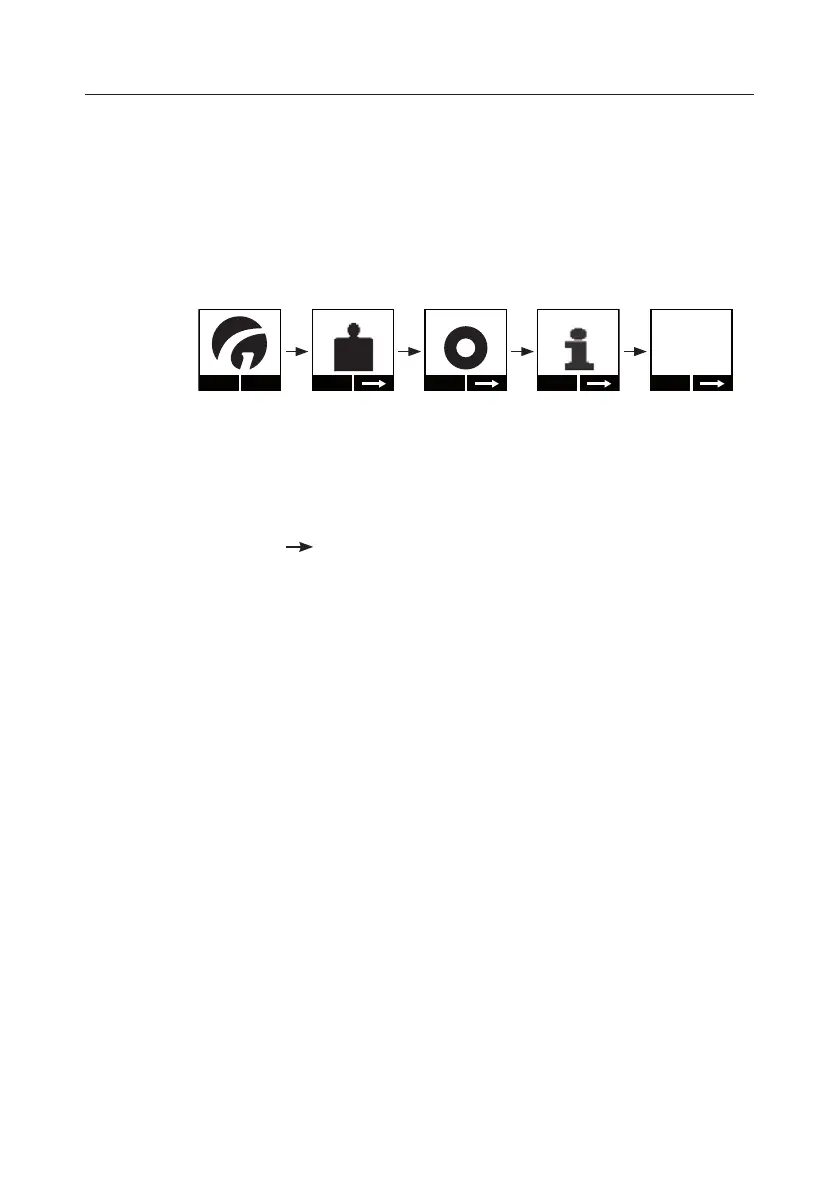
1. Press any key on the hand control to activate the hoist. When the lifting
module is activated, a display on the hand control is switched on and the
Guldmann logo “G” appears.
2. Select “Menu” using the function key located immediately below the display.
3. Then select until the “Next service:” menu item appears in the display.
4. Read o the date of the next safety/service inspection (Year, Month, Date).


 To Next Page